

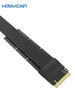

Of course. This is a very specific and useful piece of hardware for PC builders and enthusiasts. Let’s break down exactly what this product is, what it does, and what you need to know before buying one.
What Is This Product?
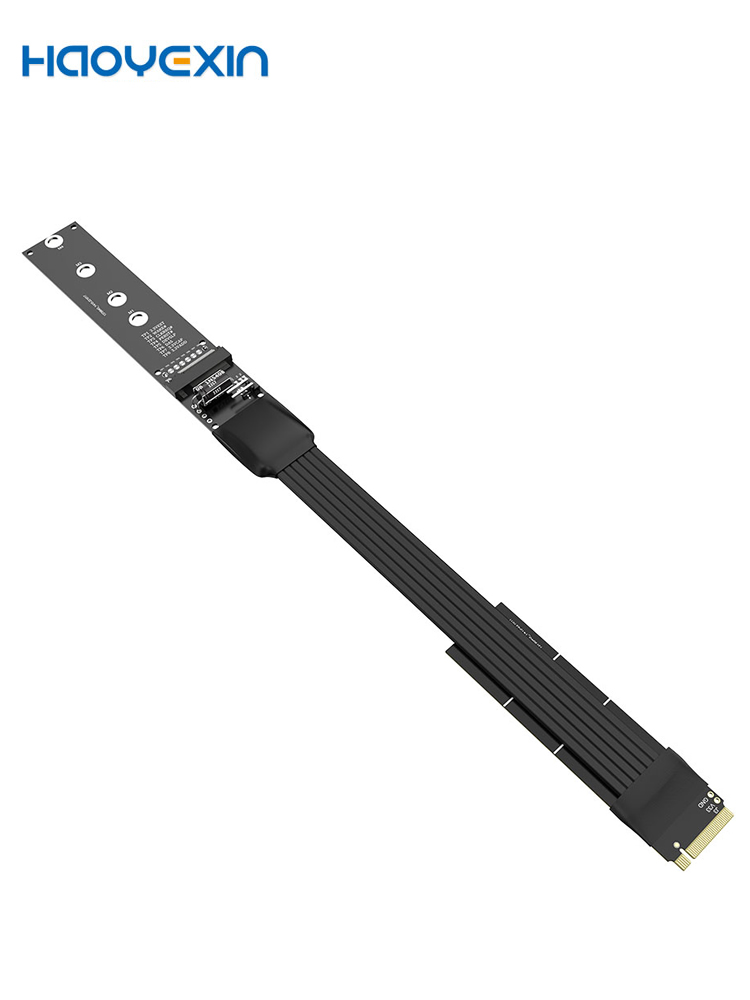
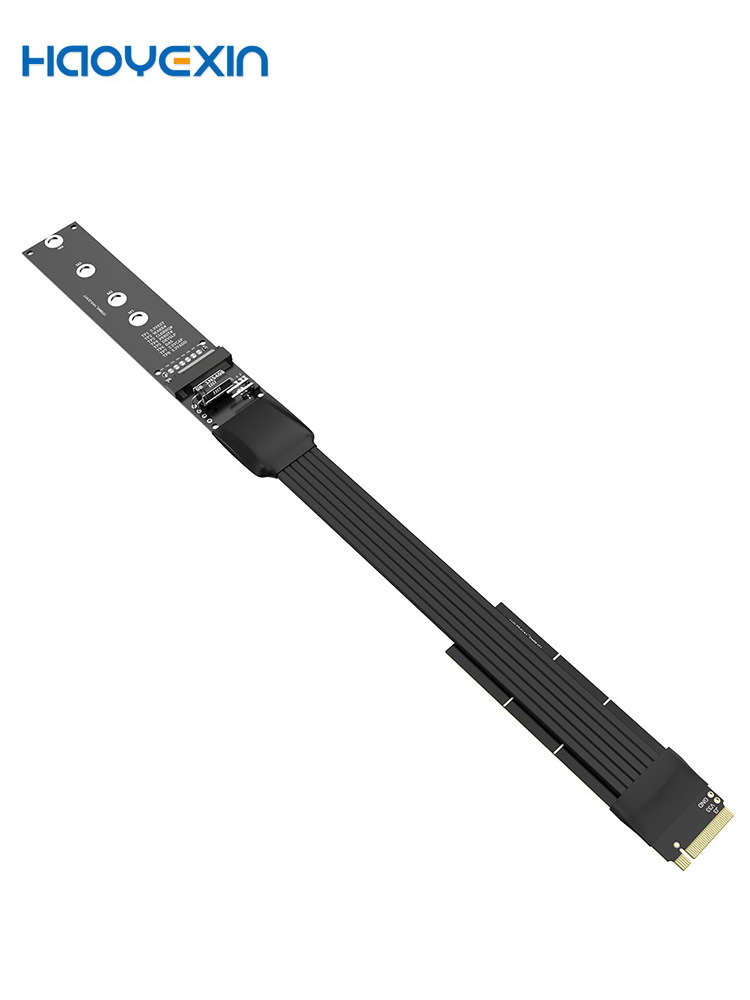
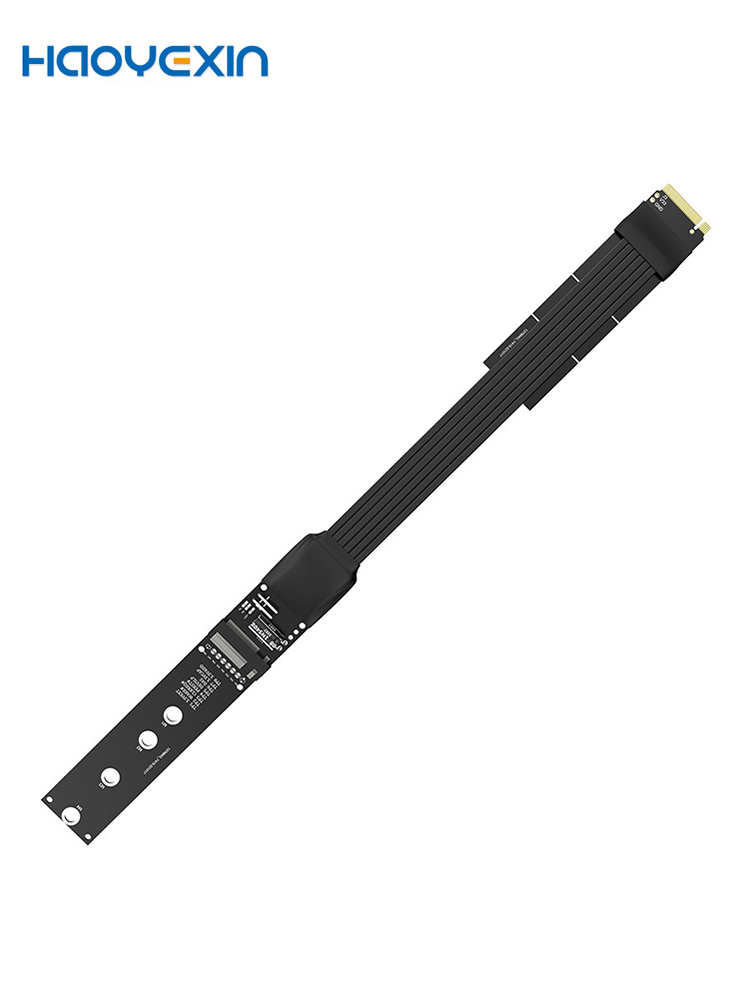
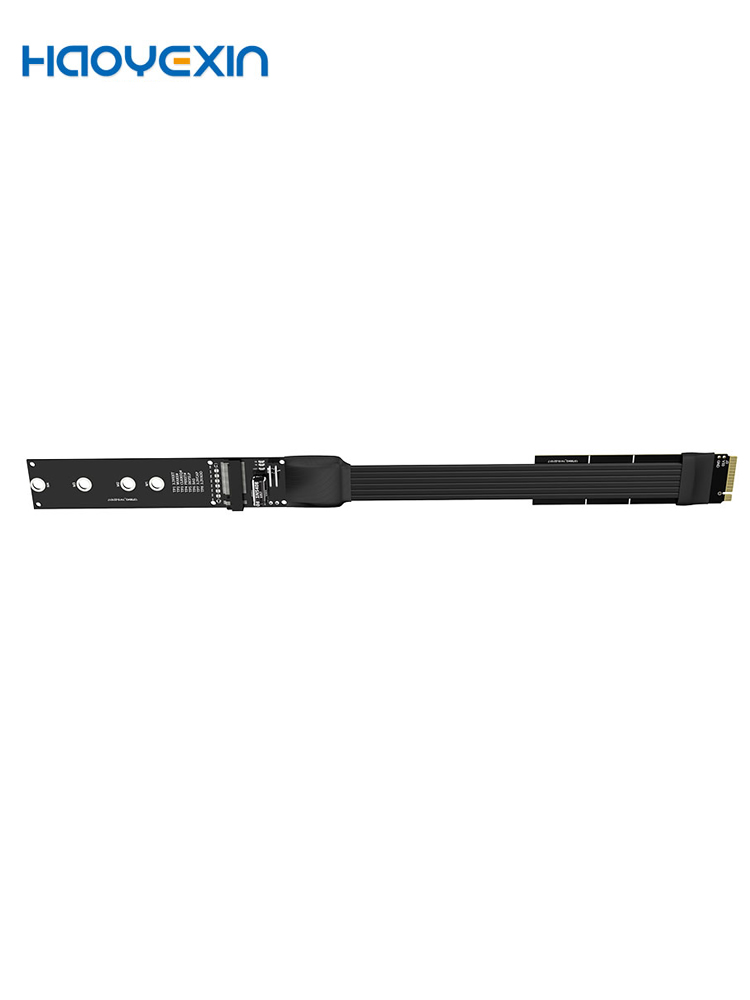
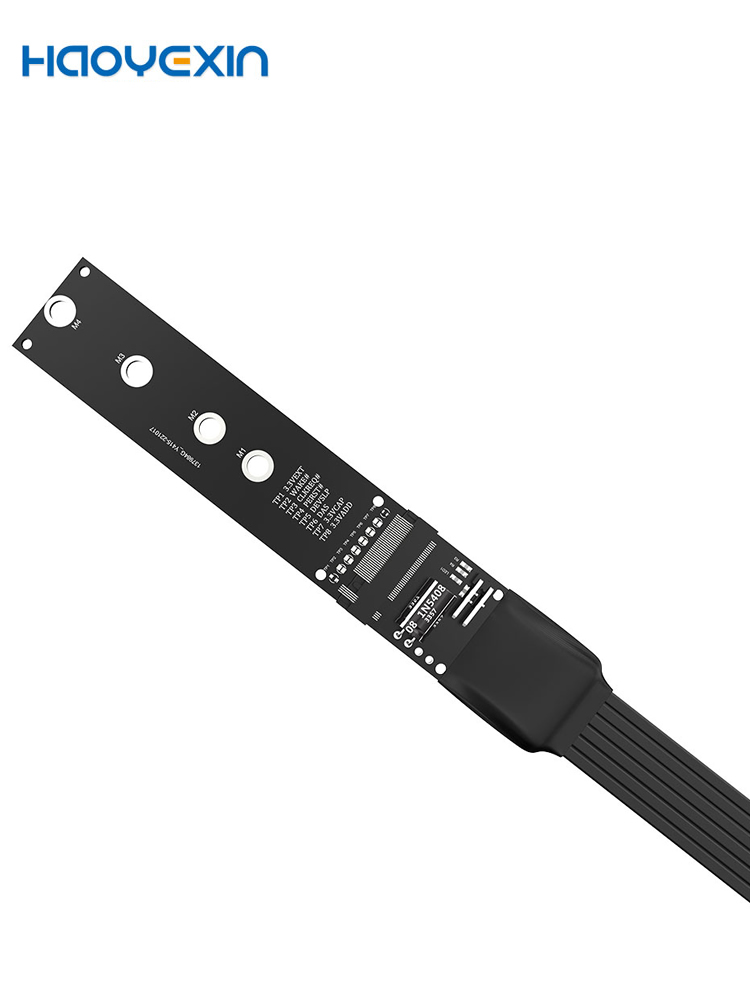
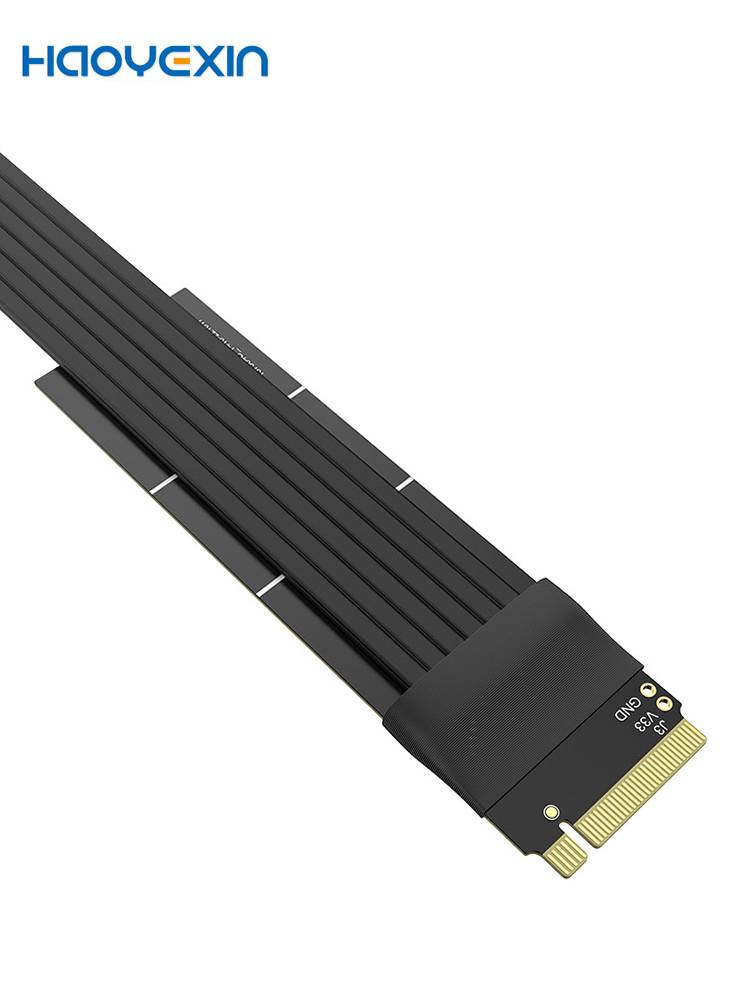
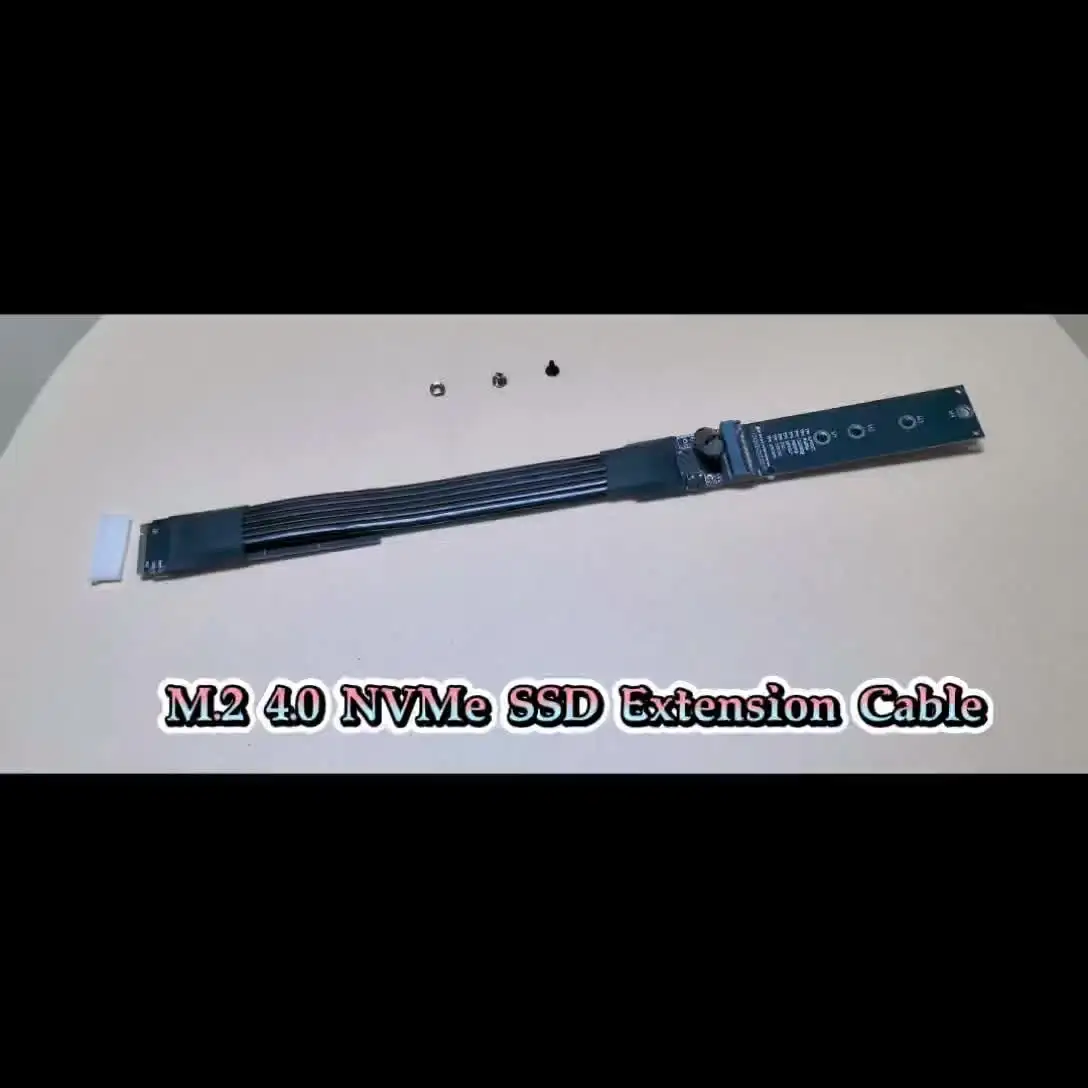
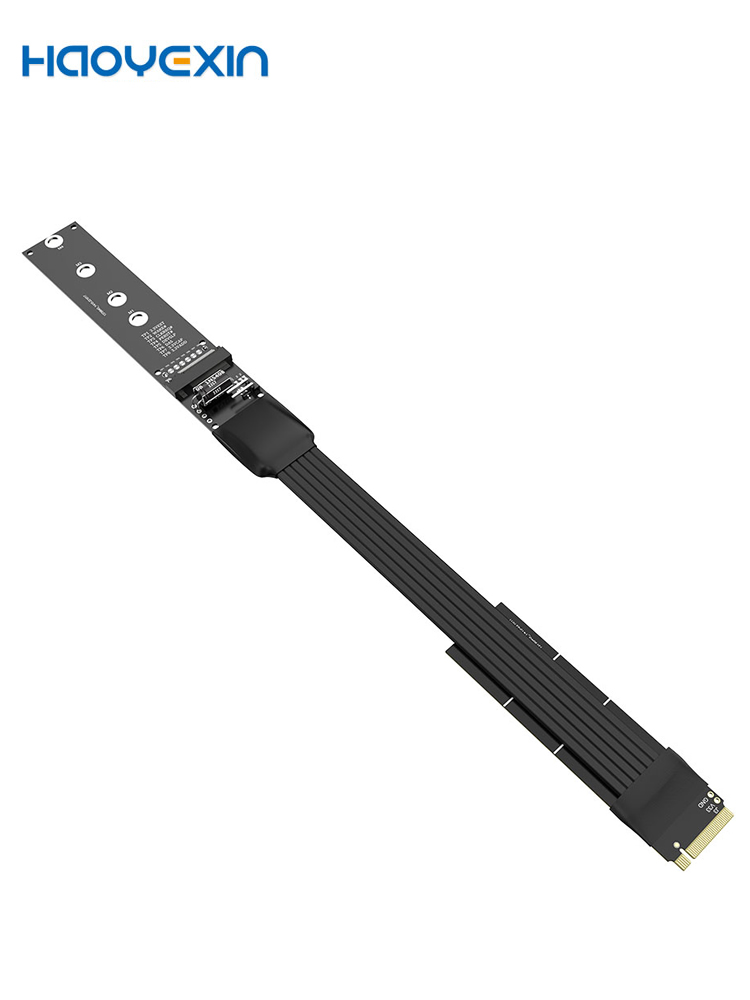
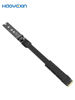
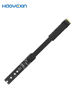
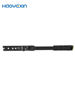
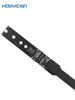
In simple terms, it’s a high-speed extension cable for an M.2 NVMe SSD. It allows you to physically relocate your SSD away from its default slot on the motherboard.
It consists of two main parts:
1. A Flexible Ribbon Cable: This carries the high-speed data signals from the riser card to the M.2 socket.
2. An M.2 Socket: This is where you actually install your M.2 SSD (2230, 2242, 2260, or 2280 sizes).
The whole assembly is enclosed in a metal or plastic bracket for stability.

Key Features & What They Mean
· M.2 NVMe SSD: It’s designed for the modern, fast NVMe drives, not the older SATA-based M.2 drives. (It’s “M Key” which confirms this).
· PCI-Express 4.0 x4: This is the latest common standard (before PCIe 5.0) and offers a massive bandwidth of up to ~8 GB/s. It’s backward compatible, so it will work perfectly with PCIe 3.0 SSDs and motherboards, just at the slower PCIe 3.0 speeds.
· M Key: The specific “key” notch for NVMe SSDs. This is correct and what you need for drives like Samsung 980 Pro, WD Black SN850, etc.
· For 2230/2242/2260/2280 SSD: It supports all the common lengths of M.2 SSDs. You adjust the standoff (the little screw post) to match your drive’s length.

Primary Use Cases (Why Would You Need This?)
This isn’t a product for the average user. It solves specific problems:
1. Motherboard with No M.2 Slots: Revive an older motherboard that doesn’t have a modern M.2 slot.
2. Obstructed M.2 Slot: The M.2 slot on your motherboard might be hidden under a large GPU (graphics card) or a bulky CPU cooler, making installation or drive replacement a huge hassle. This cable lets you mount the SSD somewhere more accessible.
3. Better Cooling / Thermal Management: M.2 NVMe drives can get very hot and throttle their performance. Using this extender allows you to move the drive to a location with better airflow or even attach a large heatsink that wouldn’t fit in the standard M.2 slot.
4. Creative PC Modding & Aesthetics: You can mount your SSD vertically or in a special display compartment to show it off.
5. Testing and Benchmarking: For reviewers or technicians, it’s much easier to swap and test multiple drives when they are on an extension cable rather than screwed into the motherboard.

Crucial Considerations Before You Buy
⚠️ Potential Downsides & Warnings:
· Signal Integrity is EVERYTHING: A poor-quality cable can cause data corruption, drive detection failures, or force the link to drop down to a slower speed (e.g., from PCIe 4.0 x4 to PCIe 3.0 x2). Buy from a reputable brand/seller.
· PCIe Slot Requirement: You must have a free PCIe slot on your motherboard. While it only needs an x4 electrical connection, it can physically fit into a larger x8 or x16 slot.
· No Power Delivery: The cable only carries data. Power for the SSD is provided through the standard M.2 socket on the riser card, which gets it from the PCIe slot. This is fine for 99% of use cases.
· BIOS/UEFI Recognition: In most cases, the drive will be recognized automatically. However, in some older systems, you may need to ensure the PCIe slot is set to the correct mode in the BIOS (e.g., not set to “SATA” or “Auto” for that slot).

Final Verdict
This M.2 NVMe SSD Extension Cable is a niche but incredibly useful tool for PC enthusiasts, modders, and anyone facing physical space or thermal limitations with their high-speed storage.
If you have a specific need for relocating your drive, it’s an excellent solution. Just be sure to invest in a quality model from a trust
M.2 NVMe SSD Extension Cable Solid Drive Riser Card M.2 SSD PCI-Express 4.0 X4 M Key Extender for M.2 2230 2242 2260 2280 SSD








Great not tested on pcie4 but great on 3 there is possible to make turn hd off by vcc or other pins on board great! will test on pcie4 later.
This can definitely do pcie 4 speeds, i tested with samsung evo plus 990 and got more than 6gbps in crystaldiskmark. I could not do pcie 5, it downgraded to pcie 4. It has a flashing red led on the female board. The two cables between the boards are thick and not really flexible. It's got probe points.