


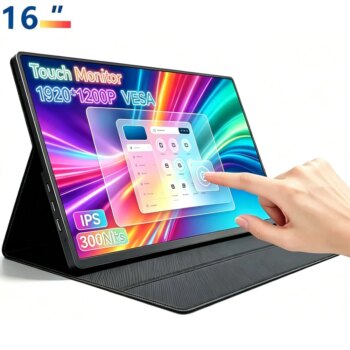


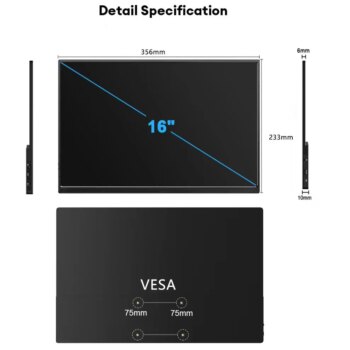
Screen size: 16 “IPS screen
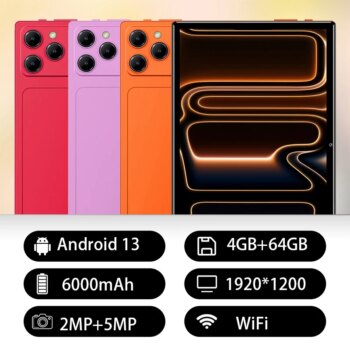
Resolution: 1920*1200 FHD
Display Ratio:16:10
Material: ABS
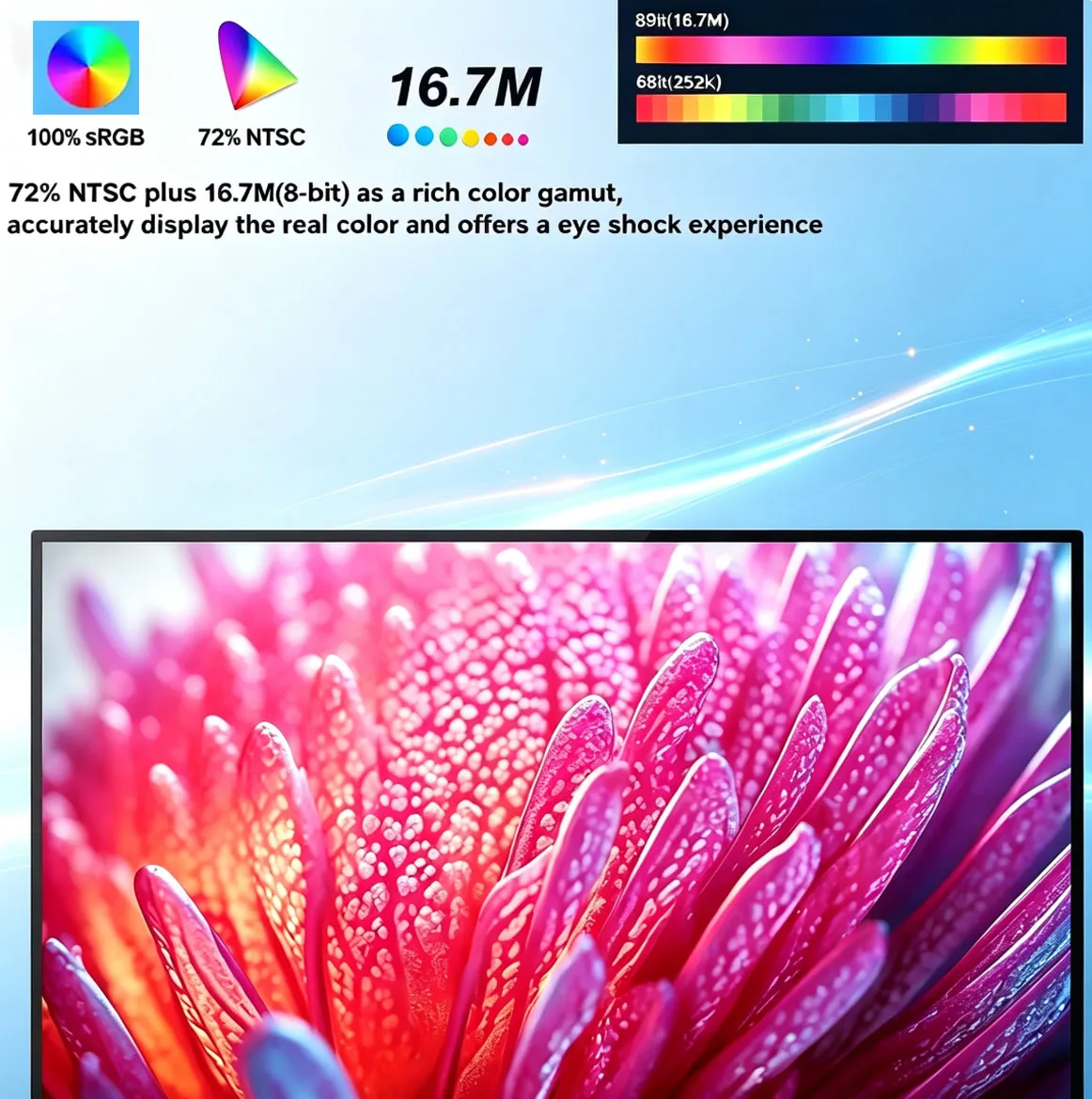
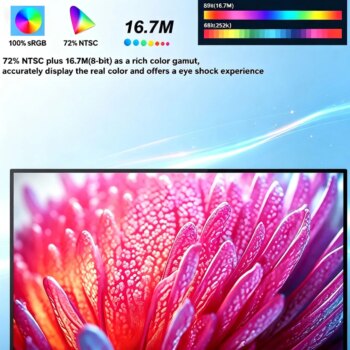
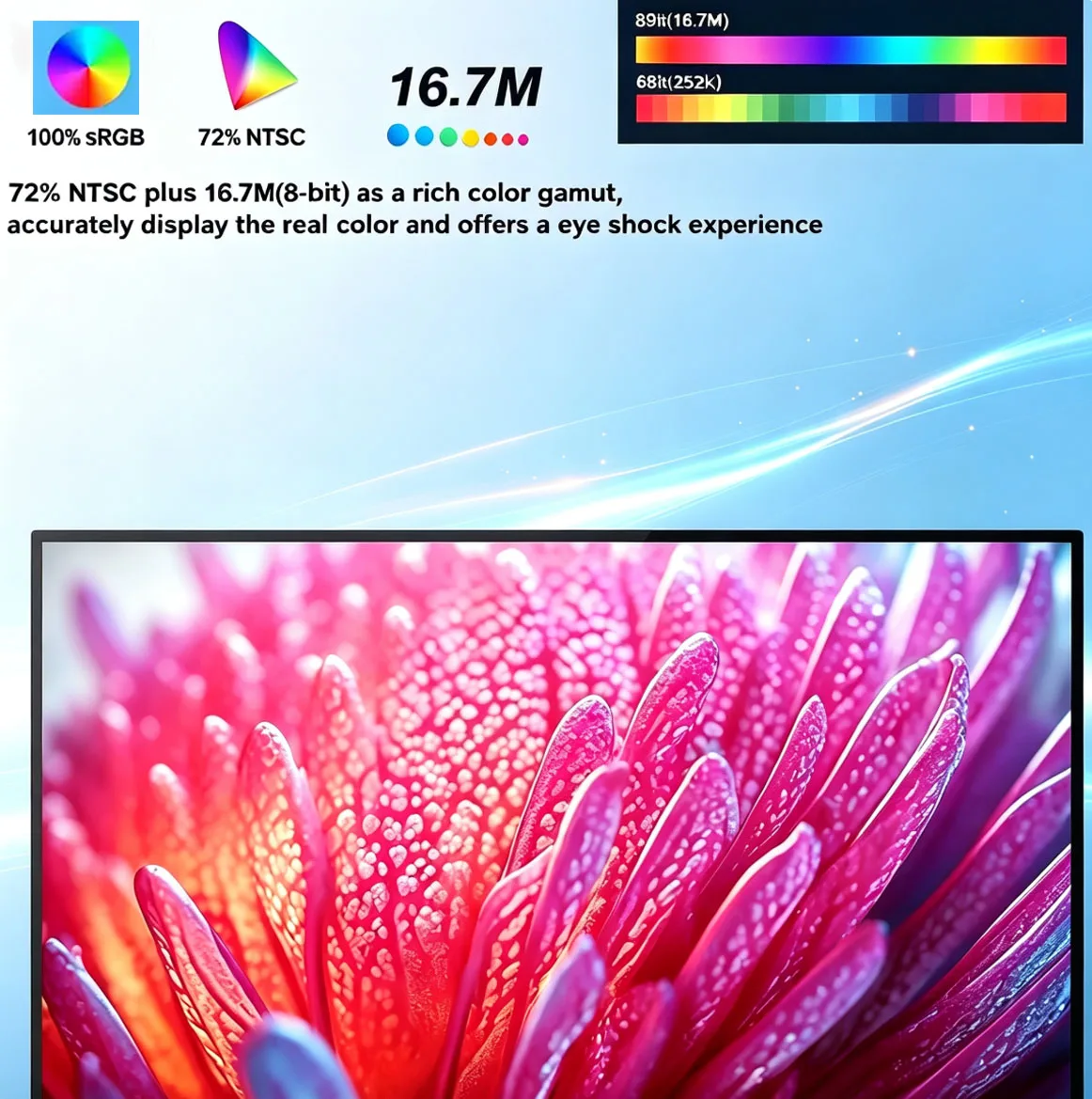
Display Colors: 16.7M (8-bit) 72% NTSC,100%SRGB
Brightness(Max): 300 cd/㎡
Contrast:1200:1
Visual Angle: 178° Full View Angle
FPS: 60Hz
Panel Type:IPS
HDR :support
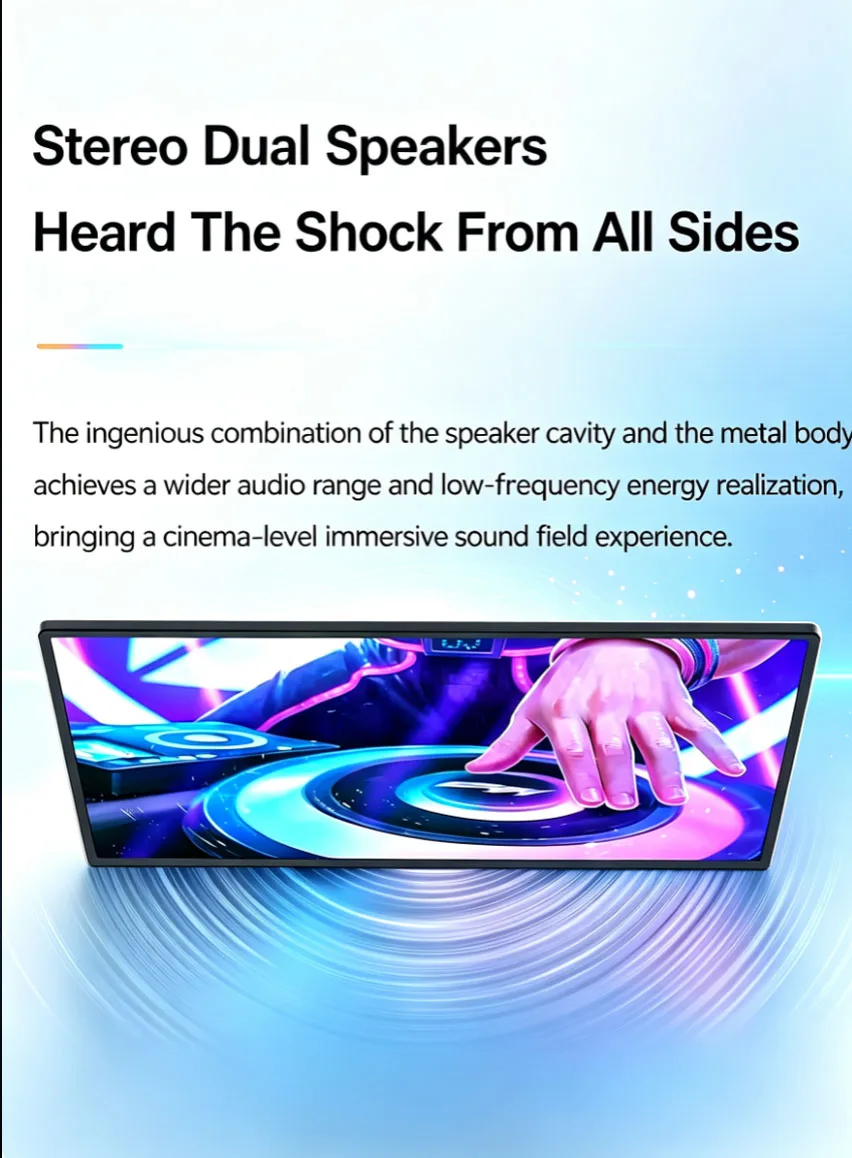
Speaker: Dual Built-in 8Ω 1W
VESA:75mm*75mm*4
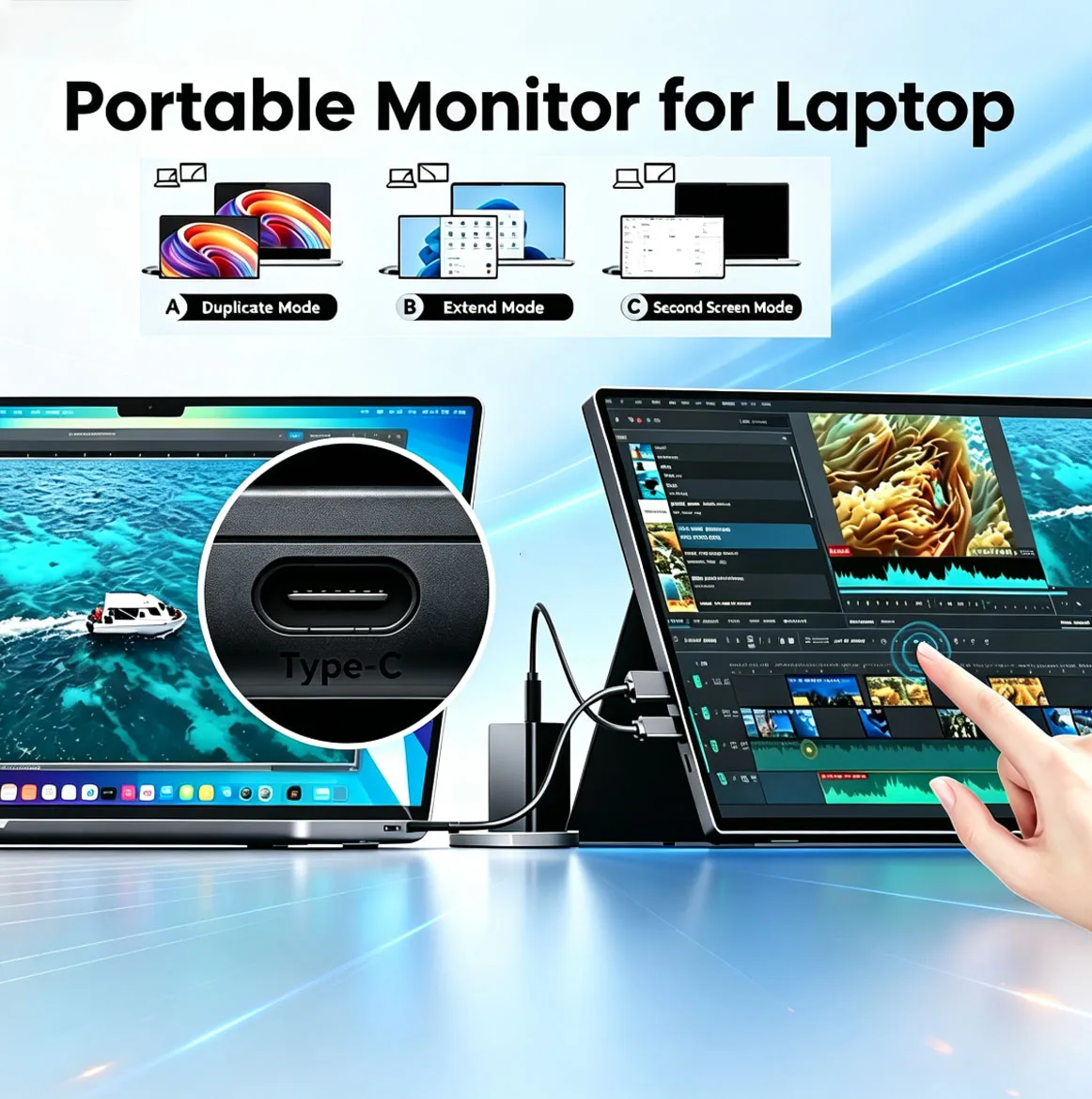
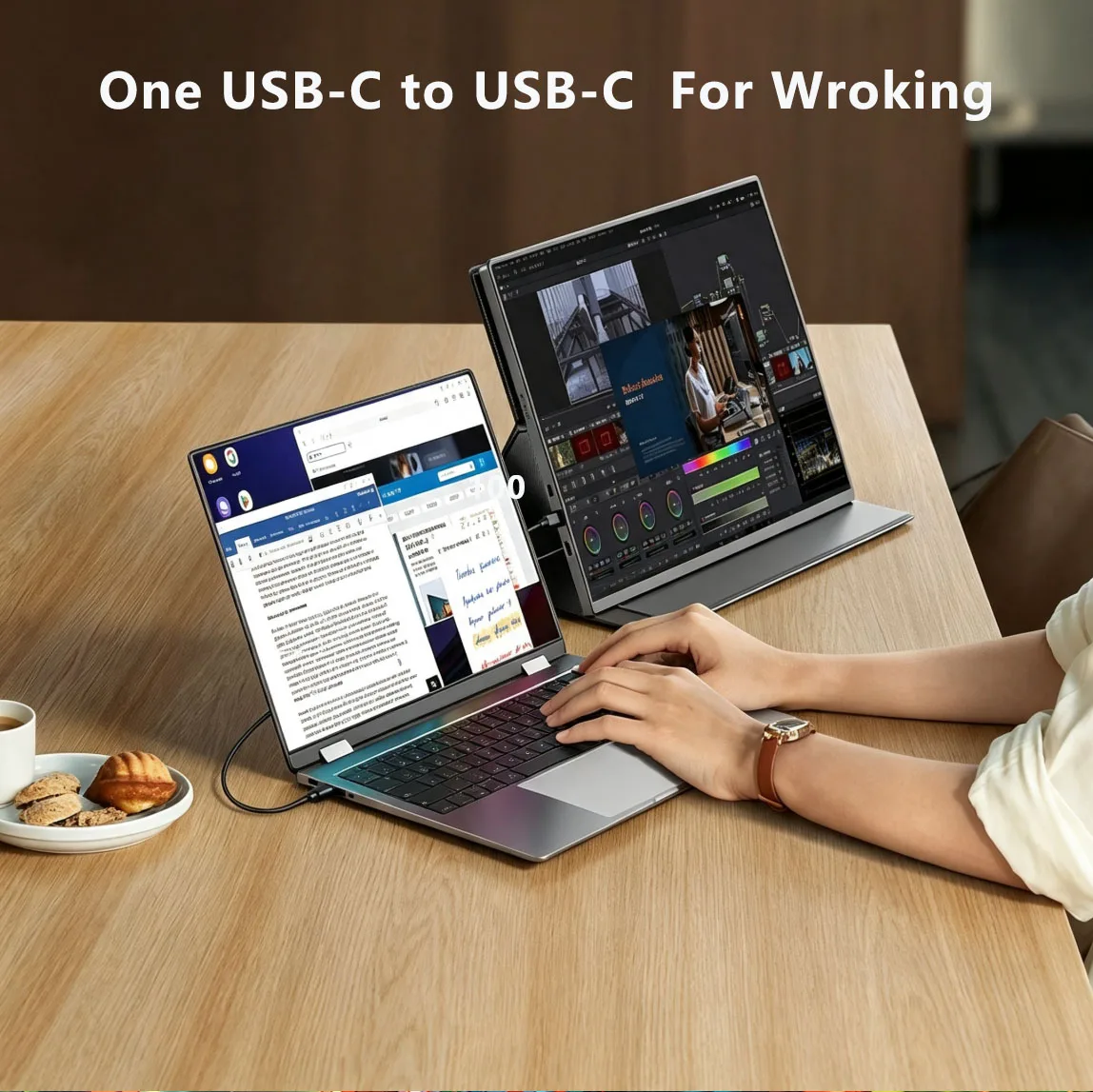
Input Interface: Full Function Type-C * 2, Mini HDMI * 1 ,3.5mm Audio * 1
Important Touch Screen Notice
For the touch feature to work, your device must be connected for both video and data. Please be aware of the following:
✅ What DOES Support Touch:
1.Phones: Mirror mode and DeX mode,Android system Phone Must with a Thunderbolt™ Type-C/USB-C 3.1/3.2 port.
2.Laptops: Windows (10-point multi-touch) and Mac-IOS (1-point touch).
3.PC/Mini-PC
❌ The following devices do not support touch functionality,only support view:
1.Switch,
2.PS4/PS5
3.Xbox
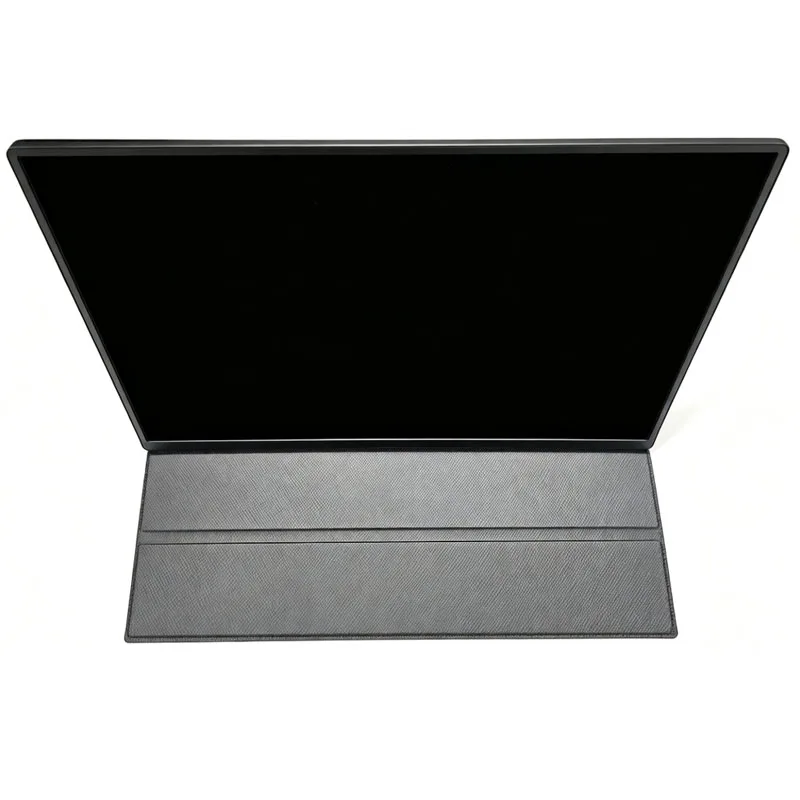
Parcel Included: Monitor*1,Magnetic Case*1,USB-C to USB-C cable*1,USB to Type C Cable*1,Mini HDMI to HDMI Cable *1,User Manual*1,EU Charger*1











Q: Do I need to connect the power supply when using it?
A: The laptop uses a TPYE-C connection cable and does not need to be connected to the power supply. If the power supply is insufficient, the screen will flicker and USB power supply is required. If you use HDMI connection, you must use USB power supply. If the screen flickers, it may be insufficient power supply.
Q: What is the reason for the screen flickering?
A: The screen flickering is caused by insufficient output or power supply of your device. It is recommended to use a 30W or higher PD power supply.
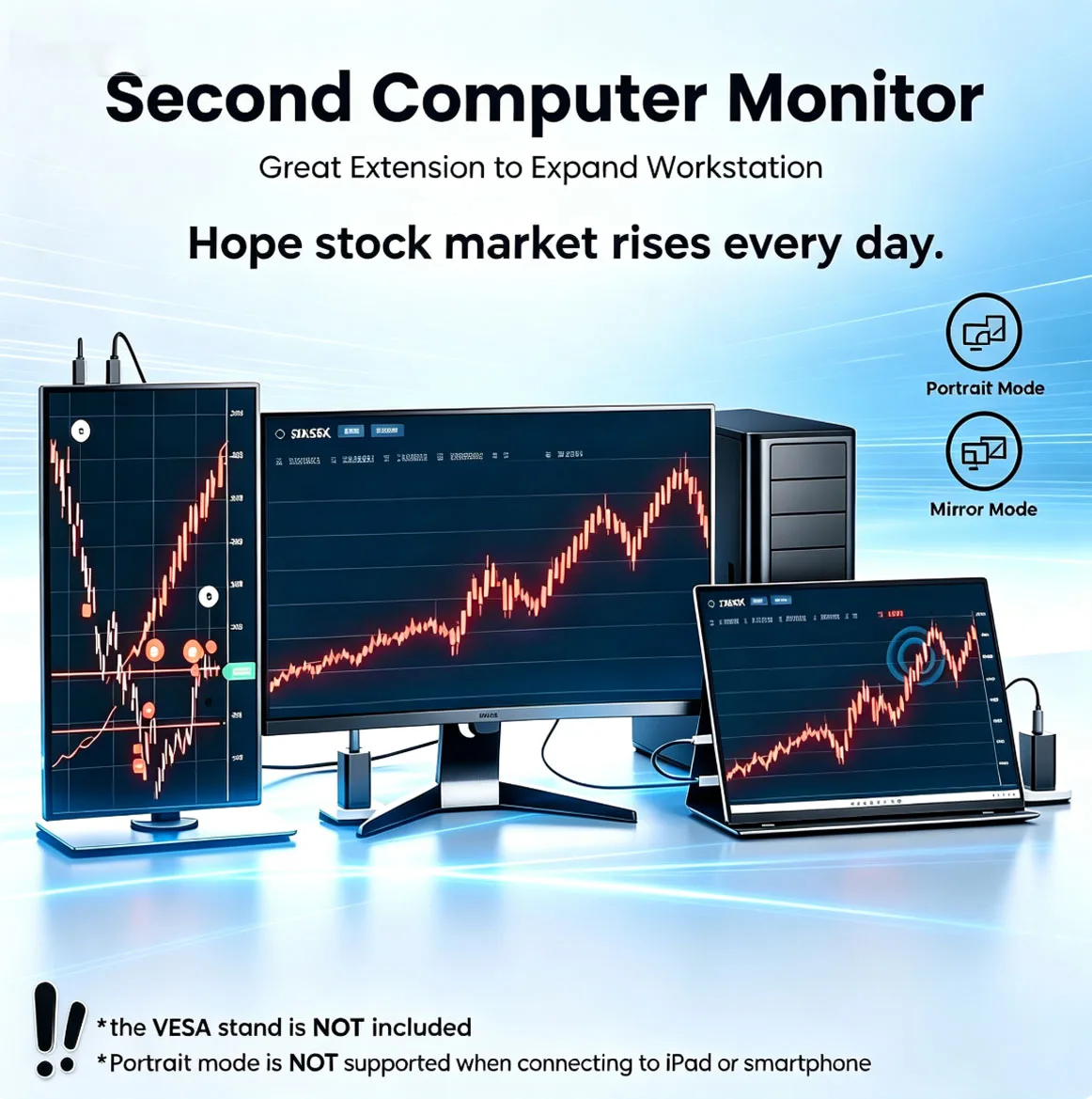
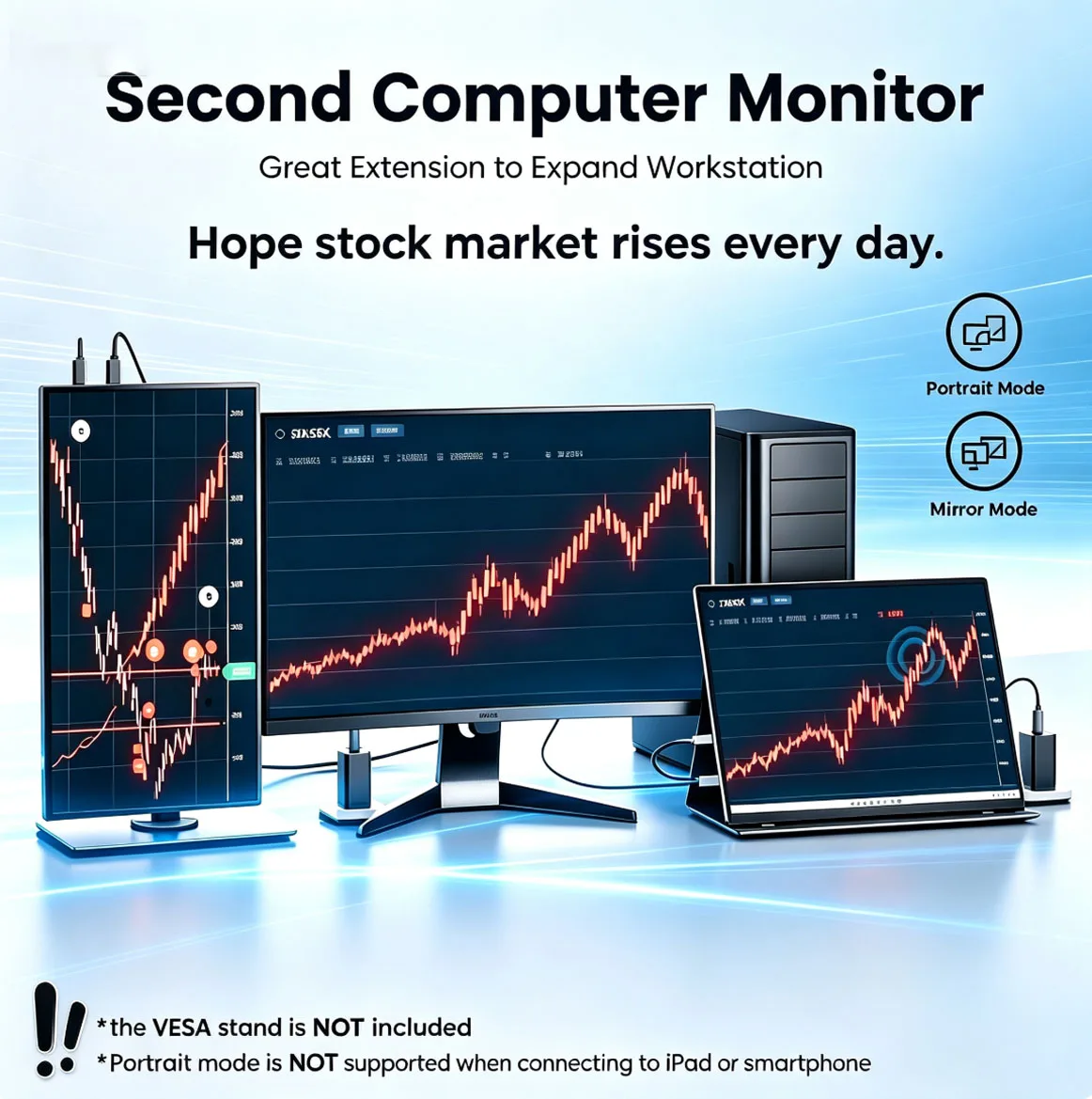
Q: Does it support vertical screen:
A: The monitor itself does not have the vertical screen function, so it does not support vertical screen. These functions can only be set on the mobile phone. The monitor only provides display functions. Unless you set the mobile phone to computer mode or set the vertical screen on the computer, the monitor itself does not support vertical screen.
Q: Does it support touch function?
A: This product is touch version.
Q: My monitor cannot turn on.
A: Please check whether the monitor and your device are in power-on mode. Make sure the cable is connected correctly. Connect other available devices or cables to check.
Q: Why is my screen flickering?
A: Please check if the connection is loose. If there is no problem with the connection, the screen flickering is caused by insufficient output of your device or power supply. It is recommended to use a 30W or higher PD power supply. Please connect the adapter and use it again, or try to replace a new cable and device.
Q: Why does the monitor make an electric current sound or a rustling sound?
A: Please confirm the source of the noise. If it is a connection noise, please re-plug the interface or replace a new cable. If it is the sound of the adapter or speaker, it may be due to the quality problem of the power adapter.
Q: Why is my touch screen not working?
A1: When purchasing, please make sure you choose whether the purchase supports touch function.
A2: Check the connection: For laptops/desktops, connect both the HDMI and touch cables (included). For USB-C interfaces, your port must support Type-C 3.1+/Thunderbolt 3.
A3: Mobile phone compatibility: Supports direct screen projection, but may not support touch in desktop/extended mode.
A4: Best practice: Always connect: √HDMI cable, √ power cable, √ touch cable
Q: Does this computer monitor support VESA wall mounting?
A: Supports VESA wall mounting
Q: Are there speakers?
A: Yes, with built-in speakers.
Q: Does it support Apple phones?
A: Basically not. However, after testing, the iPhone 15 16 17 Series can project the screen, but does not support vertical screen and touch functions.
Q: Does the instruction manual explain how to use the touch function?
A: Yes, the instruction manual will introduce various touch function methods.

Real customer reviews