


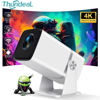



TD80W Android Version:
– System: Android 13.0 OS
– CPU + GPU: Amlogic950S 4-core A53 +Mali-450
– WiFi: 2.4G /5G WiFi6
– Memory: RAM 1G + ROM 8G
– Bluetooth-compatible: BT5.0
– Support AC3 MOV MKV via the KD player or MX player or VLC player app
– Screen wireless push: DLAN , Airplay ,Mirocast wireless sync display with Android and IOS Phone
– Play store: Download and install APP
– 6D Keystone : Support 4 point Corner mamual keystone correction and auto vertical keystone correction
– Zoom : form 0-100%
– Supports read for office app ( for Excel/Word/PDF/ Powerpiont ) via USB stick directly
Projector Specification:
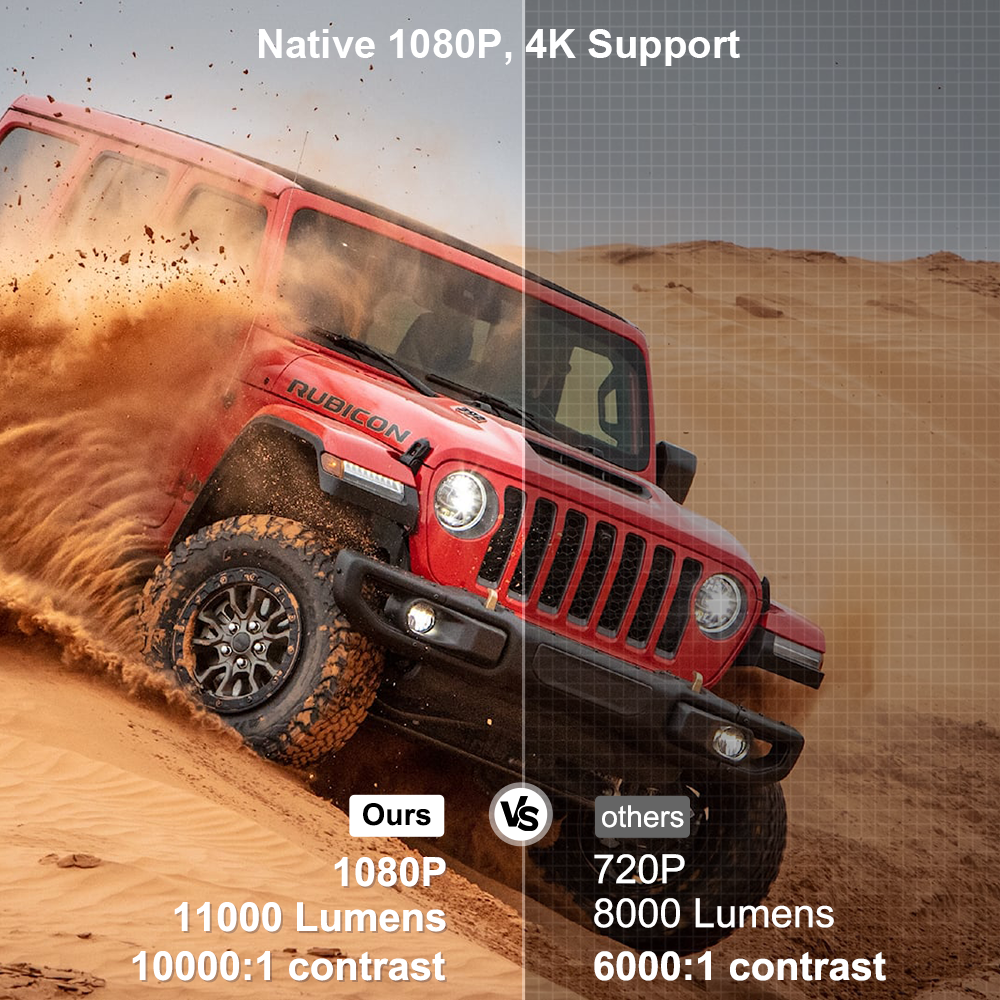
– Real Native Resolution: 1920*1080P Full HD
– Max Resolution: Support 4K 30fps Video Decoding,and support HD ARC
– Brightness: 11000 Lumens
– Lens: Auto Keystone
– Image Flip:360 degree flip
– Working Voltage:AC110-240V / 50-60Hz
– 3D Function: Support red blue 3D
– Contrast Ratio: 10000:1
– Throw ratio: 1.35:1
– Speaker: 4Ohms,3W
Reminder before purchase: Due to humid weather or other reasons, stains may randomly appear on the base of some machines. Just wipe with alcohol. If you mind, do not place an order.
In response to this situation, we have made improvements on the latest machine.

Through HD Signal select ” game mode ” Can greatly reduce latency


Breathtaking Visual Experience, Full HD 1080P,Supports 4K 30fps video Decoding
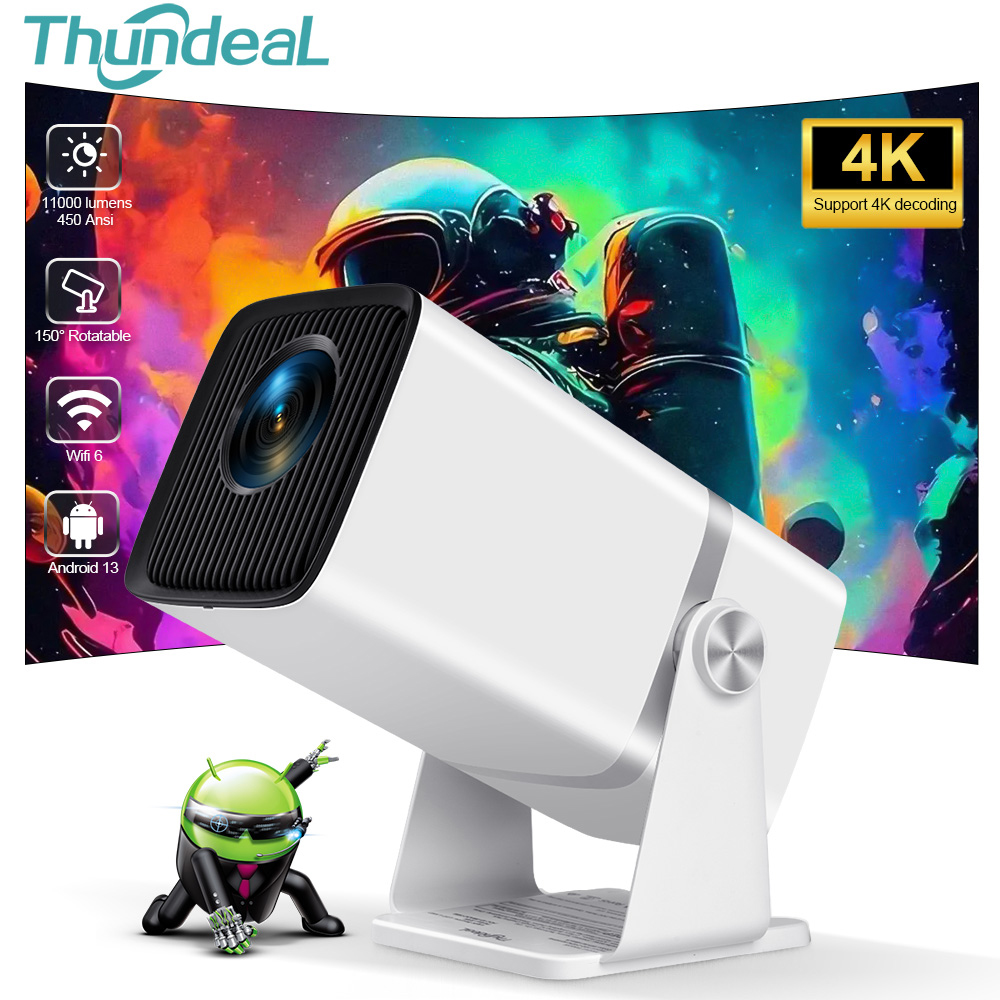
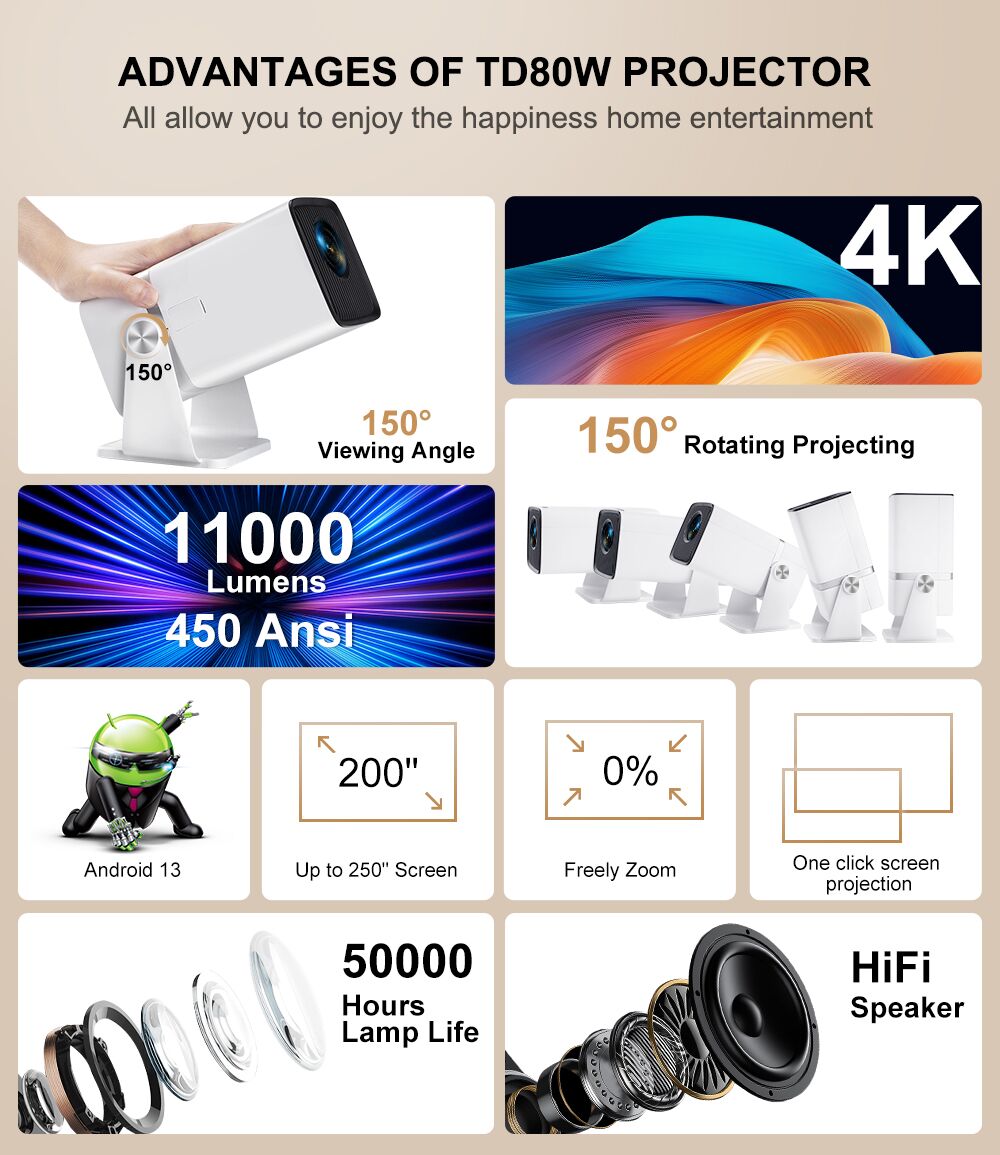
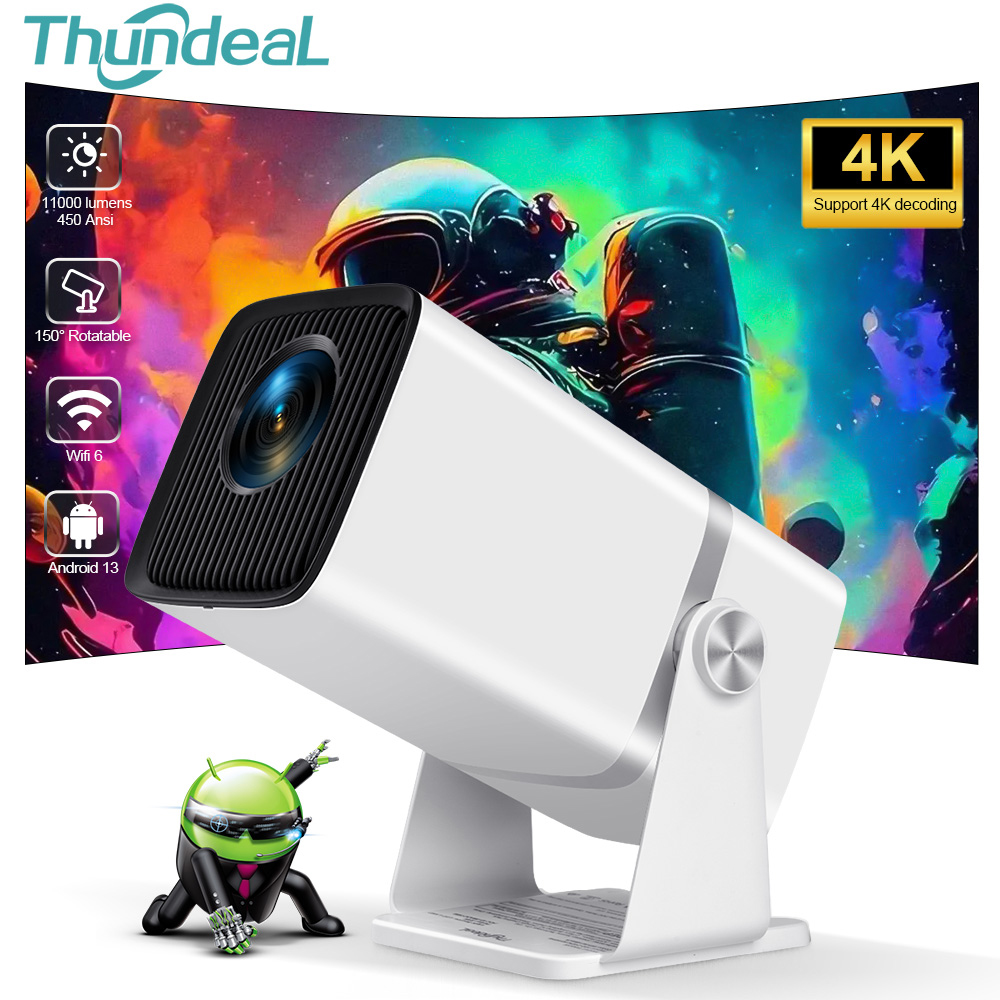
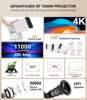
The TD80W portable projector delivers an astonishing 11000 lumens brightness, 450Ansi Lumens,native 1080P Full HD resolution, and a high contrast ratio of 10000:1, offering an unparalleled visual feast.

Every detail is vividly presented with vibrant colors and sharp contrast, immersing you in a lively world of imagery. Whether it’s an outdoor movie night or an indoor family theater experience, no matter where you are, you can create unforgettable memories with your family and friends.

HD Signal support adjust image brightness,contrast,saturation,sharpness
(need use this function pls contact with us offer you the newest system firmware)

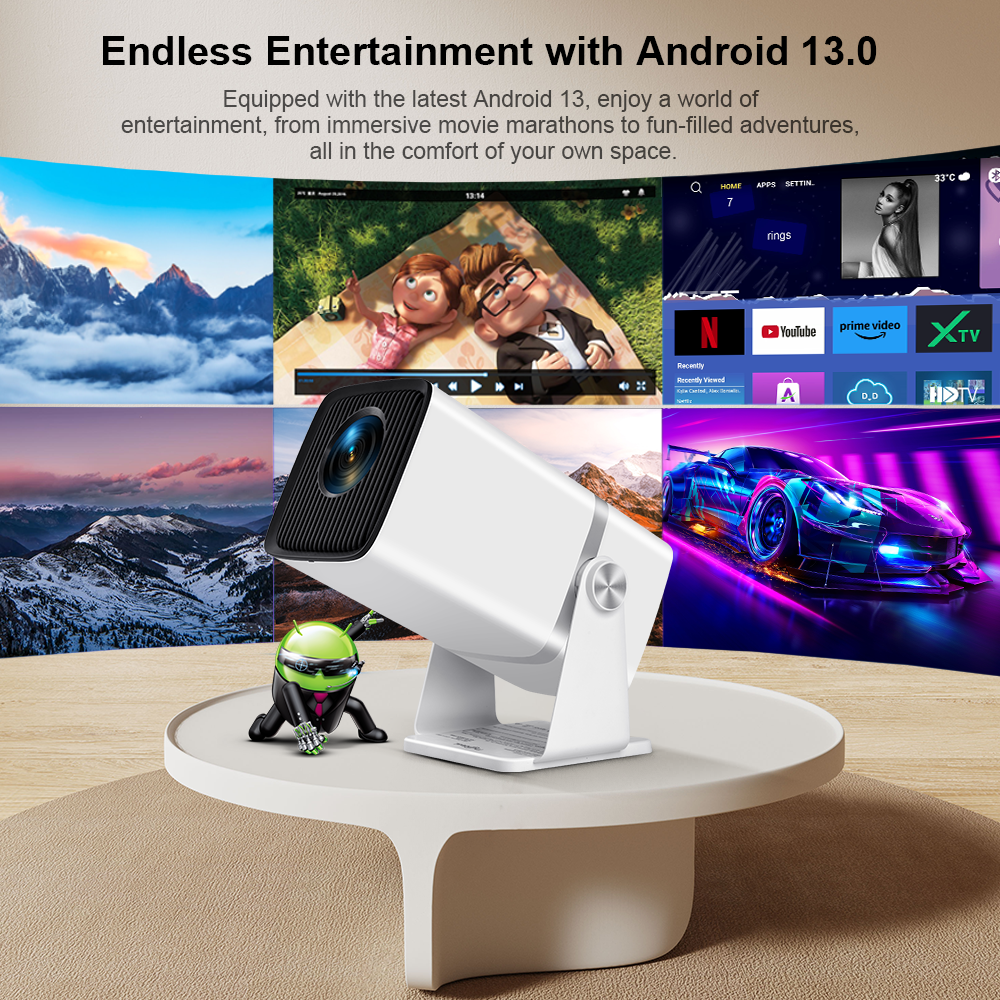
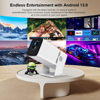
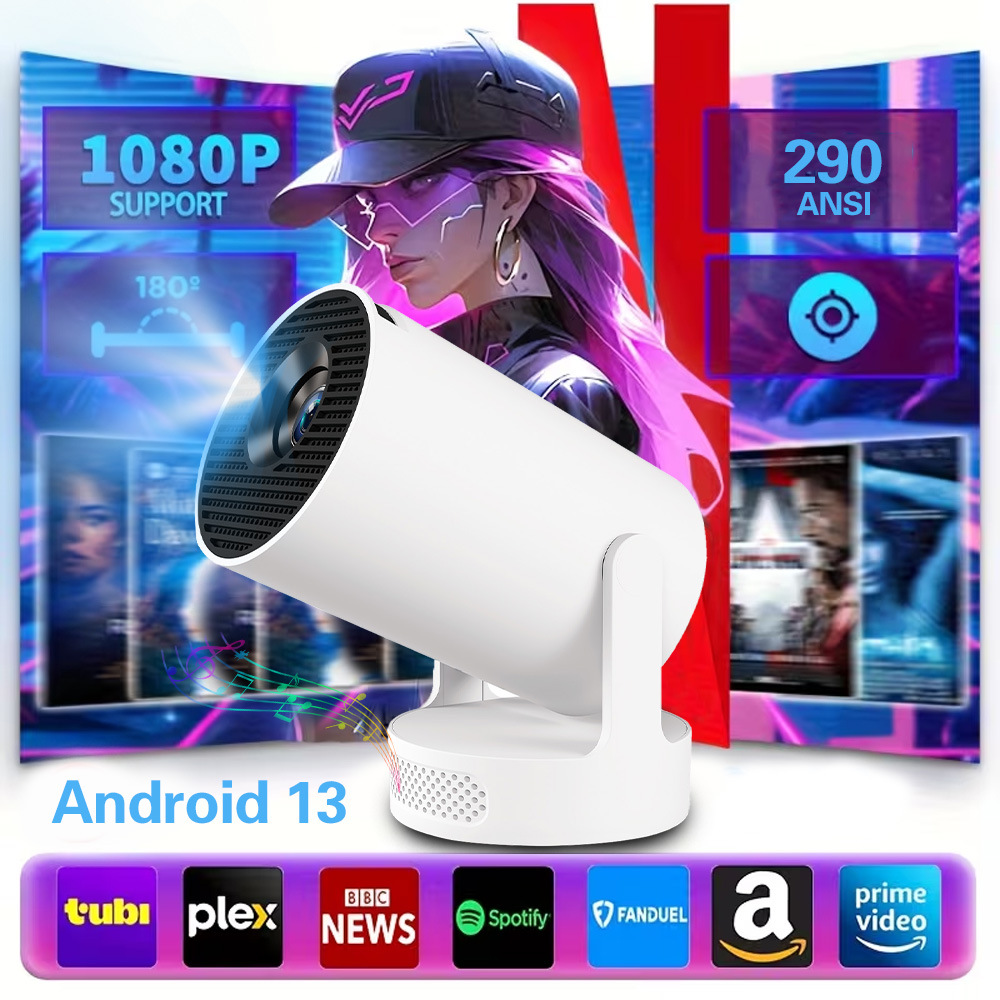
Smart Projector with Android 13 system
Projector with apps built in, with Android 13 System, run streaming and media apps flawlessly. Seamlessly display content from APP, and more on your mini projector for endless entertainment.

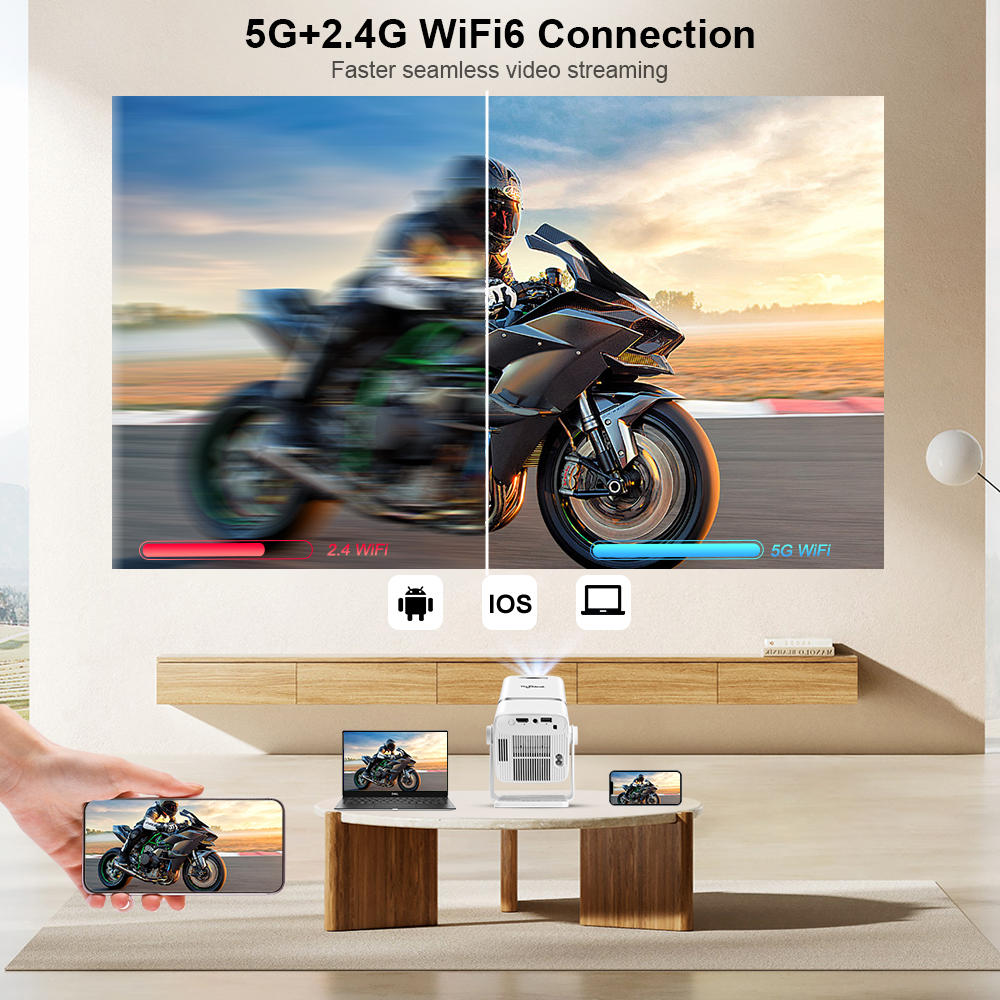
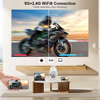
Ultra-fast WiFi 6+5G/2.4G Dual Band WiFi
TD80W Portable Projector uses the latest WiFi6 technology, higher transmission rate and lower latency than 5G, a few seconds will be wirelessly synchronized to get a big screen.

Compact size and light weight ,Designed with portability in mind
You can easily slip it into your bag or backpack, making it perfect for home gatherings or outdoor activities.
150° Smart Screen Adaptation
Set up is faster and easier than ever with auto keystone correction and 150° rotating adjustment stand. Lying on the bed, sitting on the sofa, standing in the room, the viewing of any perspective will be allowed, the experience is enjoyable.

Auto Vertical Keystone Correction
The TD80W mini projector adopts manual focus and auto keystone correction technology, built-in high-precision sensor, detects real-time movement and focuses faster and more accurately.

Zoom From 0%-100%
With the digital zoom function, the image size can be easily reduced from 100% to 0% without moving the home theater projector.

Low Noise, Excellent Audio
This projectors benefit from advanced noise reduction technology, reducing fan noise by 80%, allowing you to immerse yourself in every movie moment without distraction.

3W speaker can provide crisp and loud tweeter and bass output without external speaker.

This video projector is also equipped with BT 5.0

40-200″ Large Screen Projection Display
This movie projector offers a projection size of 40-200″, letting you feel completely immersed in movies or other entertainment. For the best viewing experience, We recommend the viewing distance of 3 meters, which allows for clear images and the most visual enjoyment.


50000 hours Long-Lasting Lamp Life
The projector is equipped with a powerful fans and cooling system, extending the lamp life to 50000 hours, ensuring long-lasting performance.

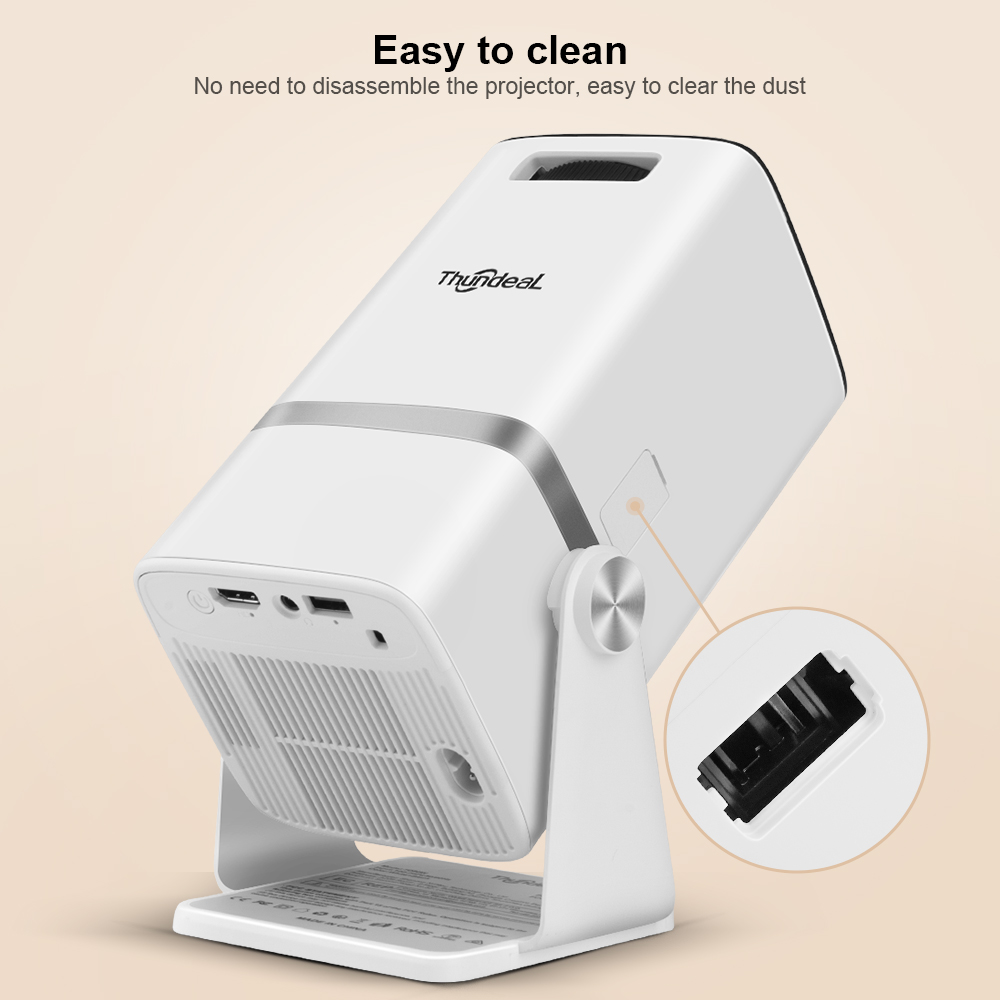
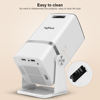
Easy to clean
No need to disassemble the projector, easy to clear the dust

Multi-Device Connectivity for Endless Entertainment
The mini projector is equipped with interfaces such as USB, HD, allowing seamless connection to a variety of devices. Whether it’s a tablet, laptop, or gaming console, you can enjoy smooth playback of your favorite videos, photos, and games.


Question & Answer
Q1: How to upgrade TD80W?
A: Go to Settings > About devices > Online upgrade
Q2 : How to restore factory settings of TD80W?
A: Go to Settings > Restore factory settings
Q3: How to solve the problem of video playback delay in TD80W?
A: Enter HDMI and press the settings button on the remote control to select the game mode.
Q4: How to switch mouse mode on the remote control?
A: Open NF app, long press the pause button to switch mouse mode
Q5: What should I do if the TD80W remote control is not sensitive?
A: The remote control has infrared sensing and needs to be aimed at the IR window behind the projector
Q6: How to adjust the brightness?
A: Entering HDMI can adjust brightness, contrast,saturation,sharpness.
Note:Before using this feature, it is necessary to update the firmware first.
Q7: What should I do if there are black spots inside the TD80W projector?
A: The black spots are due to dust entering the projector, TD80W is equipped with a dedicated cleaning port for dust removal
Q8: What should I do if the image is tilted and the auto keystone correction does not work?
A: Try the following steps and see if they help:
1. Manually adjust the keying. Go to Settings>Projection Settings>Manual Keystone.
2.If the above prompts do not work, go to Settings>Projection Settings>Reset Keystone Correction
Q9: What Should I Do if the TD80W Can’t Connect to Wi-Fi?
A: Try the following steps and see if they help:
1. Test if other devices can connect to Wi-Fi.
2. Check if your time zone is accurate via Settings > Date and time > Time Zone
3. Try a different Wi-Fi network or connect to your phone’s hotspot.
4. Try your router’s 2.4GHz and 5GHz settings.
5. Reset the TD80W by going to Settings > Restore factory settings.
Q10: The application is not working, what can I do?
A: Try the following steps and see if they help:
1. Restore factory settings
2. Check if your time zone is accurate via Settings > Date and time > Time Zone
3. Check if the application needs to be switched to mouse mode to work
4. Upgrade the projector version or software version
Q11: How do I project the TD80W through my laptop?
A: Connect the HDMI, computer press Microsoft icon + P key, select copy mode
Q12: What should I do if there is no sound when I project the screen from my TD80W cell phone?
A: Try the following steps and see if they help:
1.Check the volume keys
2. NF APP cast screen black screen or no sound is copyright protected can not be the same screen, we recommend directly using the projector’s NF APP for viewing
3. Some applications do not allow small screen projection, try a few more apps
Q13: What should I do if there is local blurring during projection?
A: 1. Please place the projector horizontally on the desktop
2. Adjust the trapezoid first, you can turn on the auto trapezoid function in the settings
3.Then adjust the focus manually
Q14: What should I do if there are stains on the base?
A: It’s because of weather changes that cause rusting of the base screws, just wipe them with alcohol.
Q15: What should I do if the projector runs slowly?
A: Please update our latest version, which can be done in the projector backend or through firmware updates.
Q16: What if videos won’t play?
The projector supports MP4 format. You can download Kodi to decode other formats.






The fan is really noisy, after a while it becomes annoying if it's too close. I recommend placing it in a place far from where you're watching. The operating system seems to be a modified Android; I've noticed many slowdowns on YouTube when exceeding 1080p 30fps, the audio often desynchronizes with the video, and when you connect a Bluetooth speaker, it often disconnects for no apparent reason. I'll try to change the operating system or try alternative launchers in the next few days. I don't think it's possible to update it.
Good, fast delivery, I like it. Haha. I received the product, but I don't know what it's like. I want to use it without any issues haha. I hope you like it...
Projector is good for the money a little bit noisy cooling fan
Very satisfied
Great projector, visibility is good at night and not bad during the day, there is some noise, but it's not noticeable when watching videos.
Brighter than expected, fast delivery. Thank you to the seller!
Good for the price. A bit noisy, but picture quality is good. Good value for money.
Great!
It's not bad, but it's not great either.
3D viewing on the plain screen does not work; I am waiting for the 3D projector screen to confirm its use for watching 3D movies and sports.
An excellent projector for the money, good clarity and decent sound. Highly recommended!!!!
Image quality FHD correct The speaker is very bad. Requires separate speakers The noise is severe. If you slightly lie, the noise is about the first level of a hair dryer. A price worthy of ignoring all this. If you don't mind noise and want a beam projector under 200 inches, this is a good choice. And Chromecast is essential! Compared to the 190,000 won Ali projector I bought 5 years ago, this projector is better.
A good product, I really liked the image quality. Obviously, it's not the best protector but very good for its price.
Everything arrived quickly! I recommend it!
Excellent full hd projector. It also comes with android 13 and already with an unlocked bootloader and full root access.
Works very well, I'm surprised! Looking forward to the first movies.
Everything is fine, thank you!
EVERYTHING EXCELLENT 😃 EXCELLENT PRODUCT, REALLY. Can fully trust the product 😉 There's only one downside - the sound, very low (note to the manufacturer, they could use a better speaker) ... but for the price ... can't be too picky. Just connect a speaker via Bluetooth, and you'll have an authentic home cinema at home. It's not a BIG cinema. 🎥 but it doesn't stay too far behind. Thank you for your work
I liked it
Top
I am very satisfied with this projector.
The product is at least good. I recommend it.
The sound is rusty when connected via HDMI from a laptop, it wheezes and there's no normal sound at all, I'll try connecting speakers. If watching from a new device (without HDMI), the sound is fine. For the money, it's a great option, everything works well, navigation is also convenient, everything is clear. The picture is good, it lacks a bit of brightness, but you can watch everything calmly without straining. The package arrived in 2 weeks, everything is super fast. So I recommend it for movies and YouTube, more than enough.
Picture sharpness is ok but brightness is moderate. But sometimes freezing. Total is ok -
took it into the child's room, both are very satisfied :) The projector is nice, easy to use, and has different interface languages. buzzes moderately, if you connect a speaker, it doesn't interfere. with the light on, you can also watch, but the effect will naturally be different. The image trapezoid is automatically adjusted to fit the placement angle. remote control included, mini AA batteries need to be purchased.