

FAQ
Q: What should I do if I don’t know how to use the product after receiving it?
A: First, you can refer to the instruction manual. If you still don’t know how to use it, you can contact our customer service, and they will provide you with detailed instructions on how to use it.
Q: What should I do if the product is not working after receiving it? What should I do if the package is damaged upon receipt? What should I do if I’m unsatisfied with the purchased item?
A:You can immediately contact the seller’s customer service, and they will handle the issue with a good attitude until you are satisfied. Their customer service is very responsive and helpful.
Free language stickers
By clicking “+ Follow” and giving a five-star rating, you can enjoy various benefits such as receiving small gifts or accessories you may need. There is also a chance to get a free pen. Additionally, as a follower of the store, you may periodically receive high-value coupons and fan-exclusive gifts. Moreover, purchasing products from our store will entitle you to enjoy exclusive prices for fans.


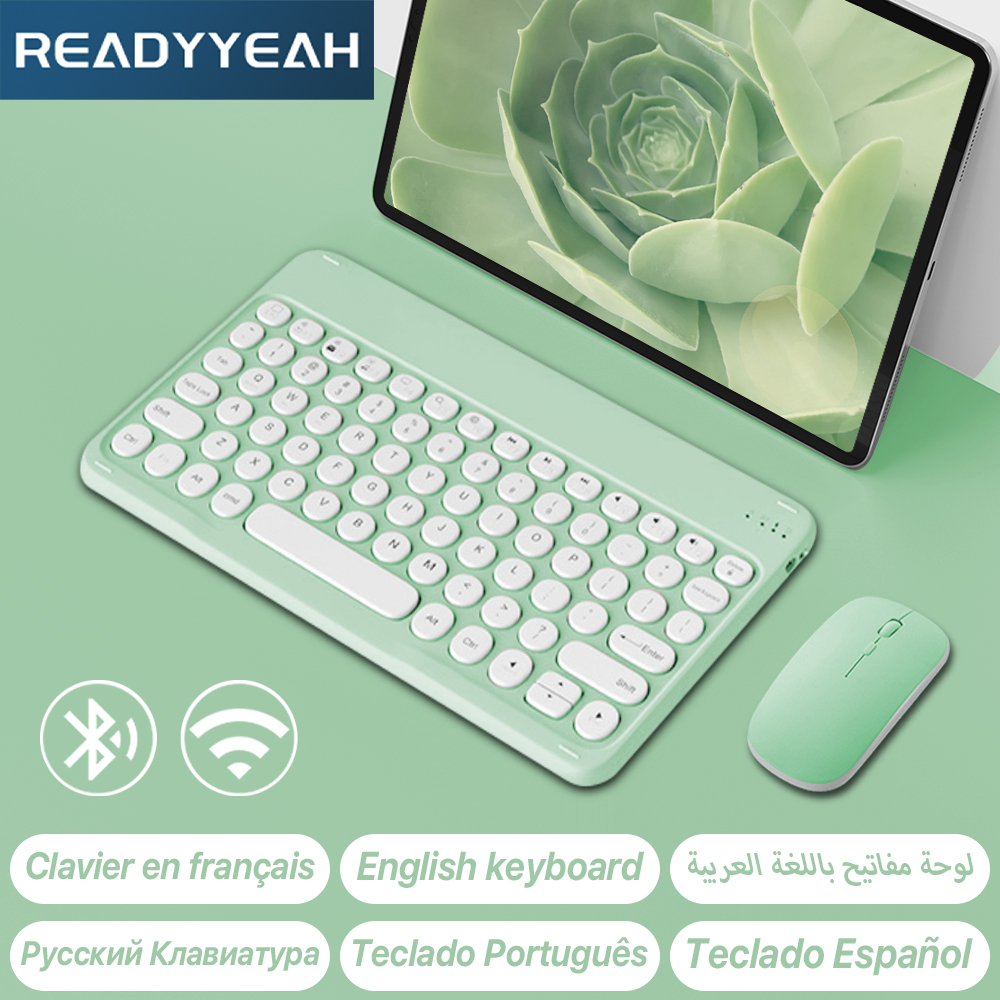
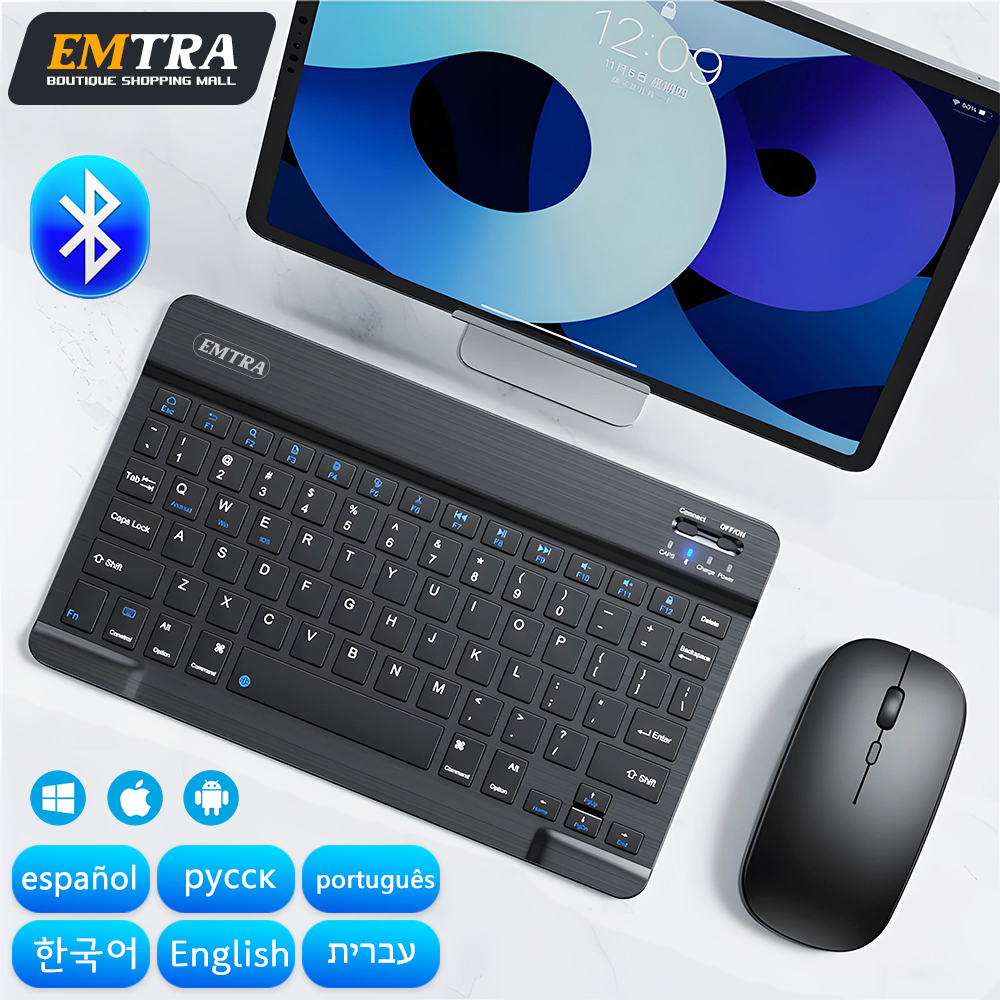
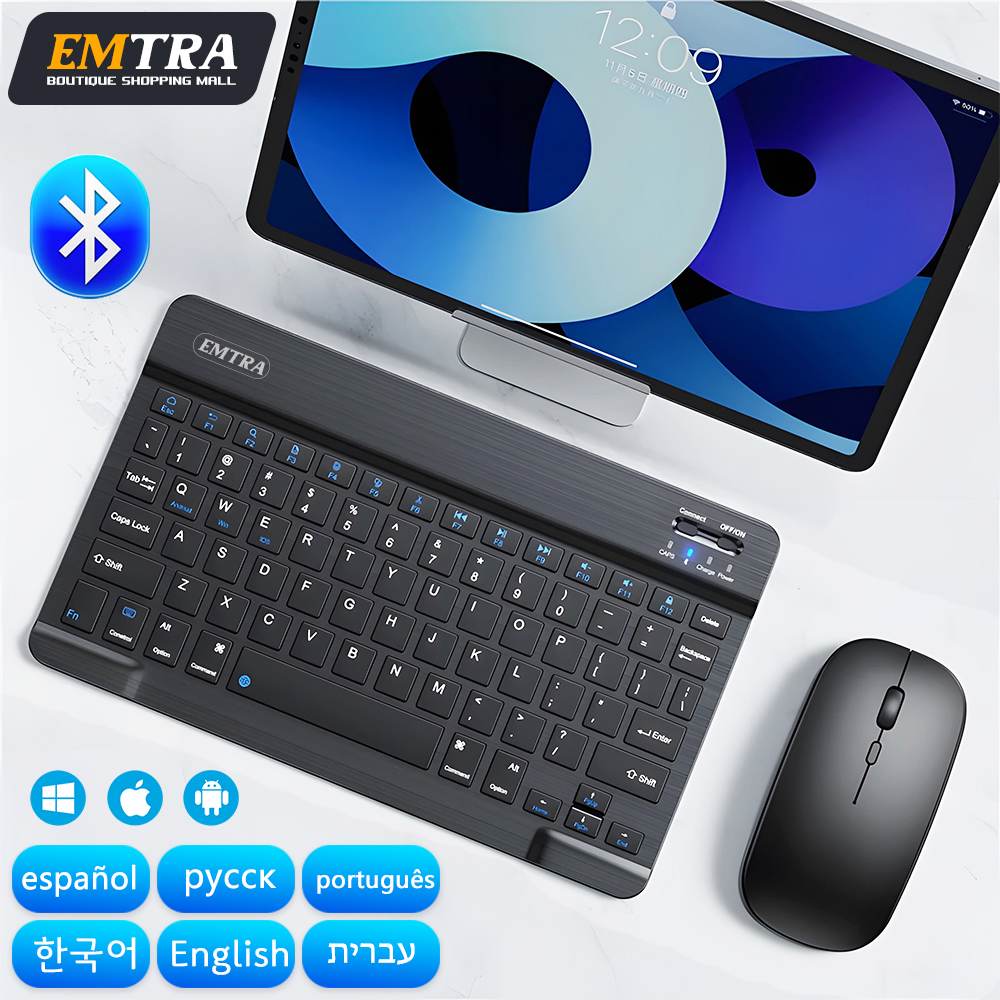
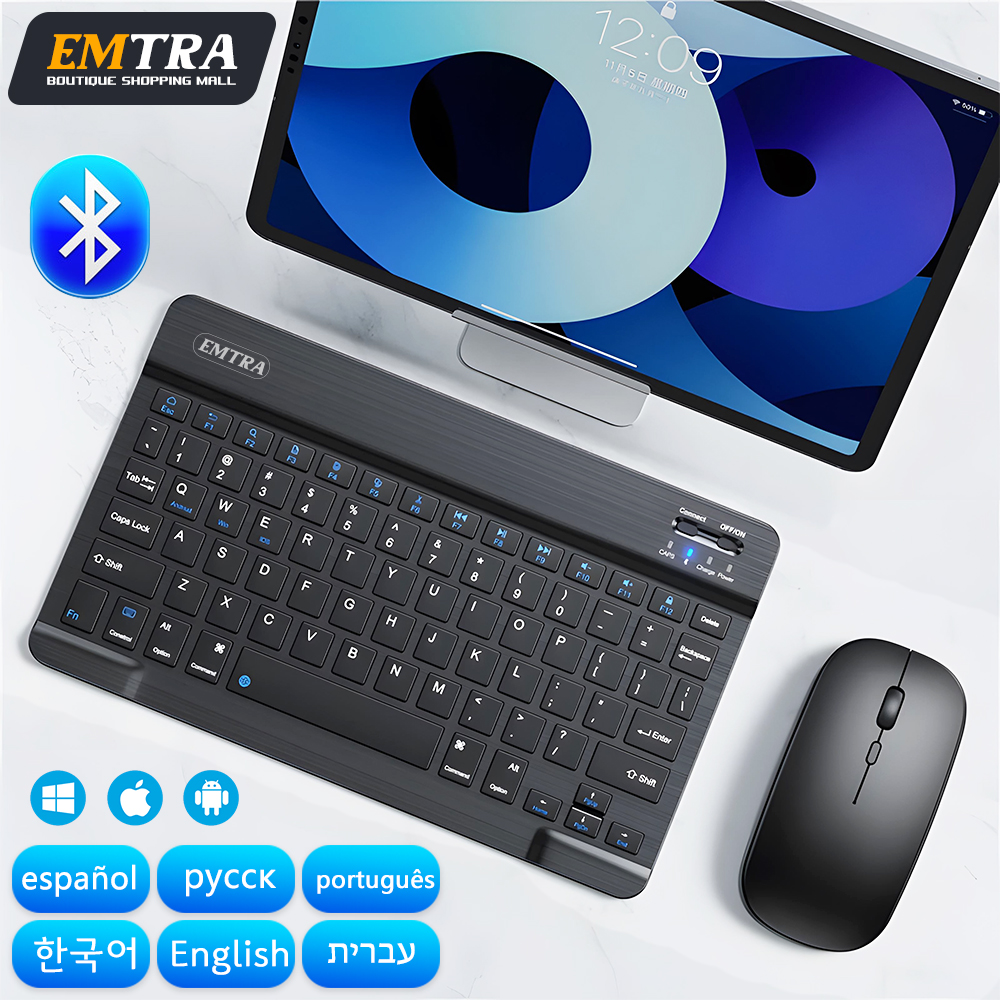
Keyboard in English, Korean, Russian and Spanish,Arabic keyboard,Hebrew keyboard,Portuguese keyboard,Japanese keyboard
If you need to switch language input, you need to switch languages on your tablet or other device

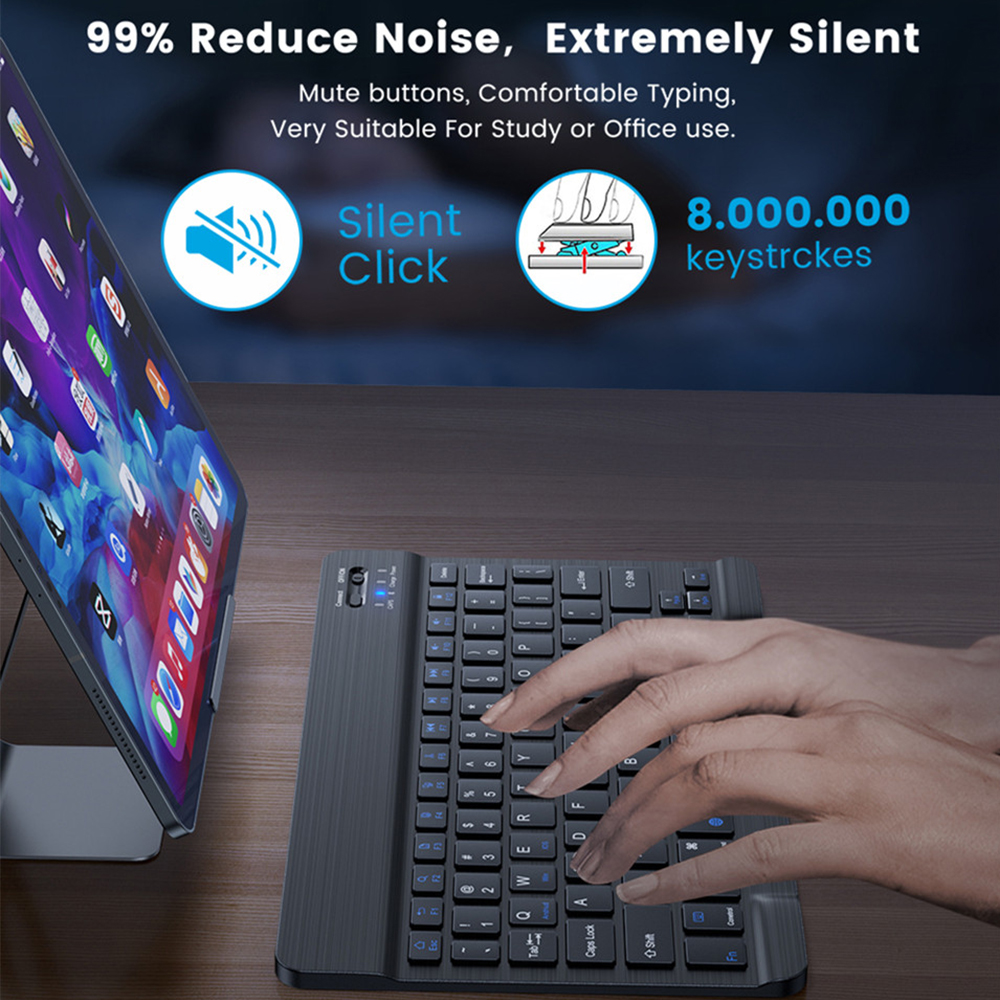
Mute keyboard design
99% noise reduction, extremely mute mute button, comfortable typing, perfect for study or office use.
Do not interfere with others rest


Stable Bluetooth Connection:
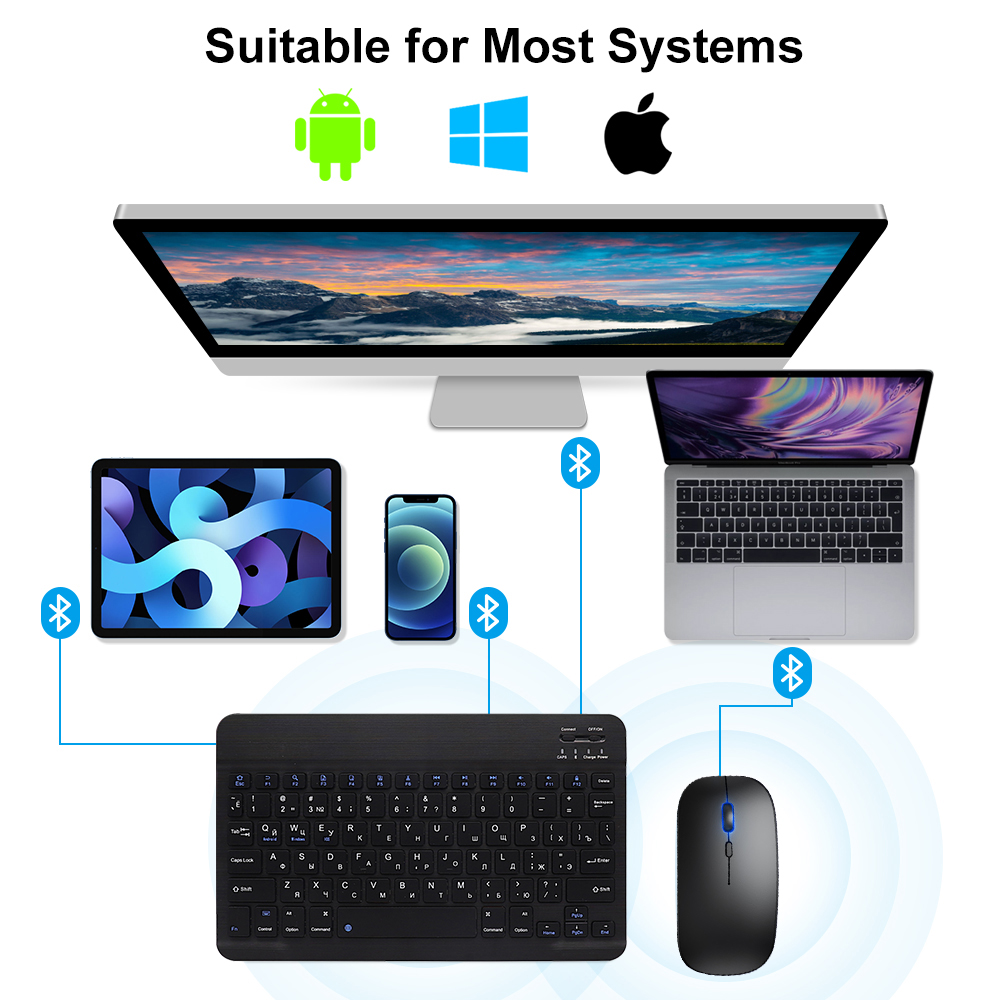
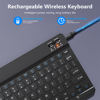
The keyboard and mouse adopt advanced Bluetooth chip technology to provide stable and powerful cordless connection, it’s easy to connect and easy to use. The working range up to 10m. This keyboard features volume control, previous, next, and other media hot keys.
The mouse supports Bluetooth and 2.4GHz USB connection, the keyboard only supports Bluetooth connection.


Suitable for all devices
Suitable for all devices that support Bluetooth


Fast Bluetooth Connection
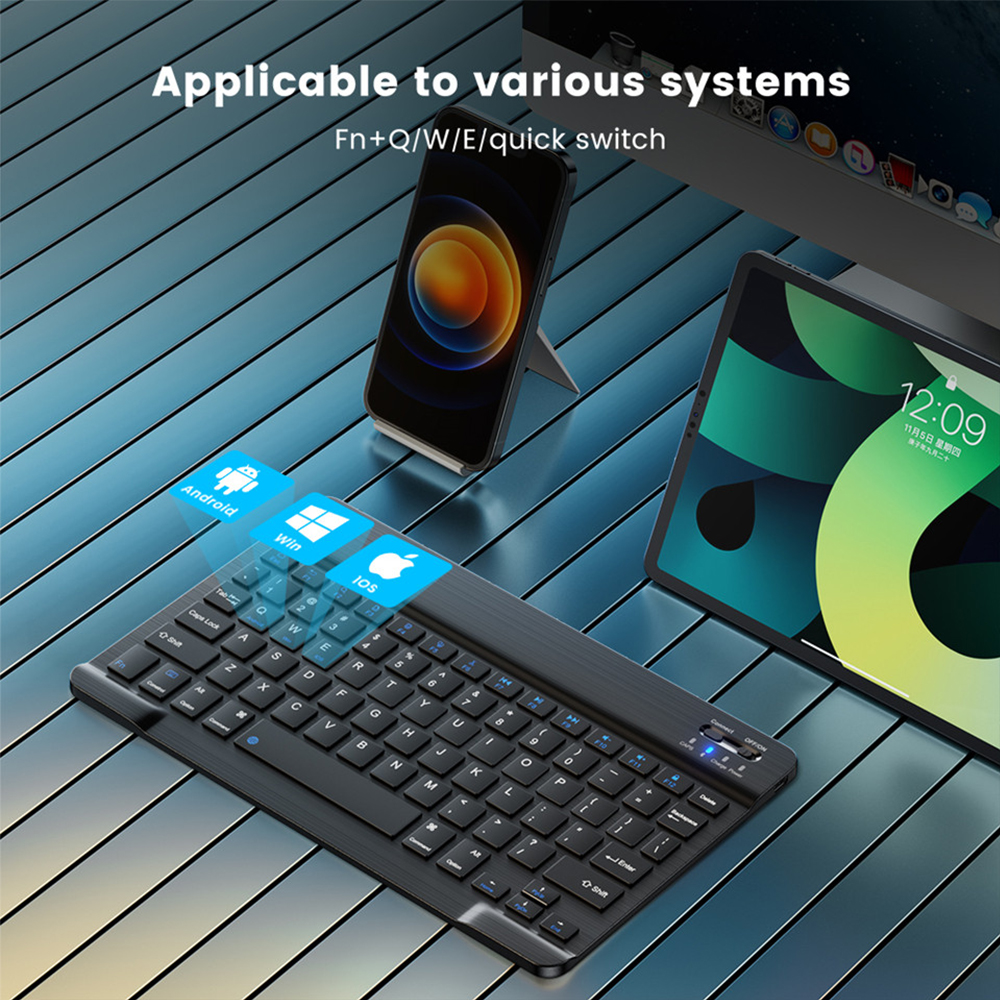
1. Turn on the power light and click the connect (the bluetooth indicator will flashes);
2. Open the bluetooth of your iPad, choose the “Bluetooth Keyboard” and wait it connect succes;
3. Finally, switched to the coorresponding system by pressing Fn+Q(Andriod)/ Fn+W(Windows)/ Fn+E(IOS).


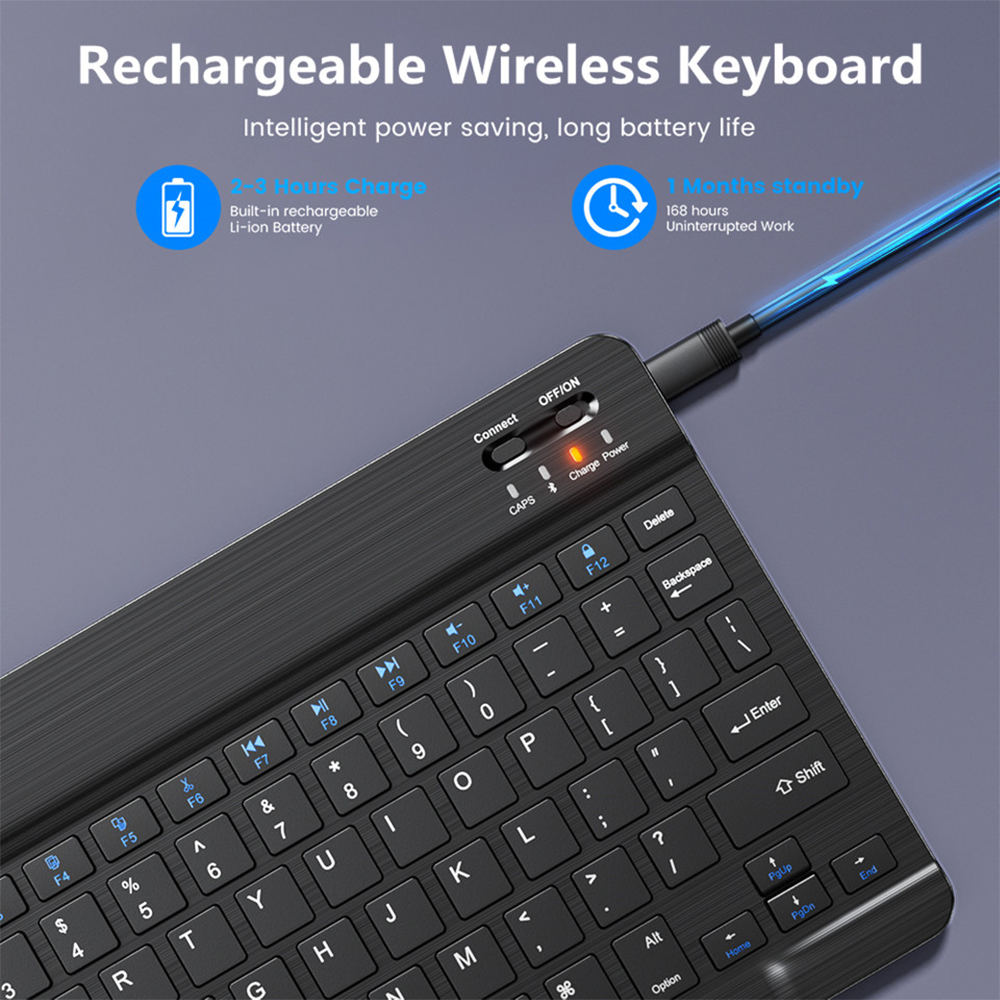
Multiple key functions
A variety of shortcut key Settings,
make your work easier to use more convenient


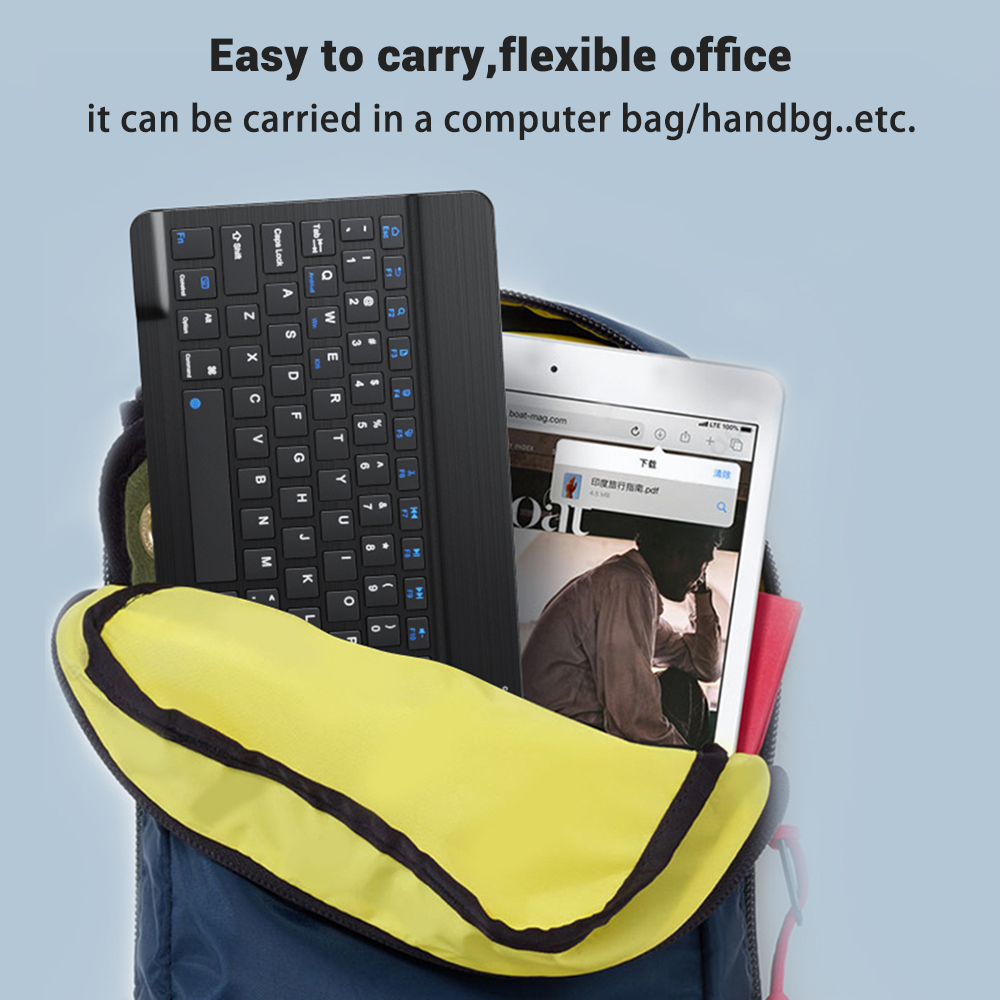
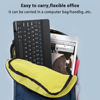
Small and portable, easy to carry, flexible office
The Super Lightweight has an ultra-light body that is perfect for travelers It can be carried in a computer bag/handbag etc


Actual scene size display
Beautiful appearance, easy to carry, suitable for all kinds of scenes

Keyboard language layout display