Must Read Before Buying
Before ordering, you must understand the adapter’s functions and how it works.
The Wii U console suffers from severely limited storage capacity, with a maximum of just 32GB. After deducting system space, only 25GB of usable storage remains. Furthermore, Wii U game ROMs are all large in size, resulting in extremely limited storage space.
Similarly, it also applies to the WII console.
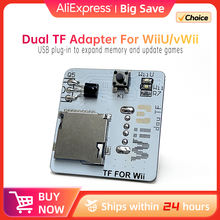
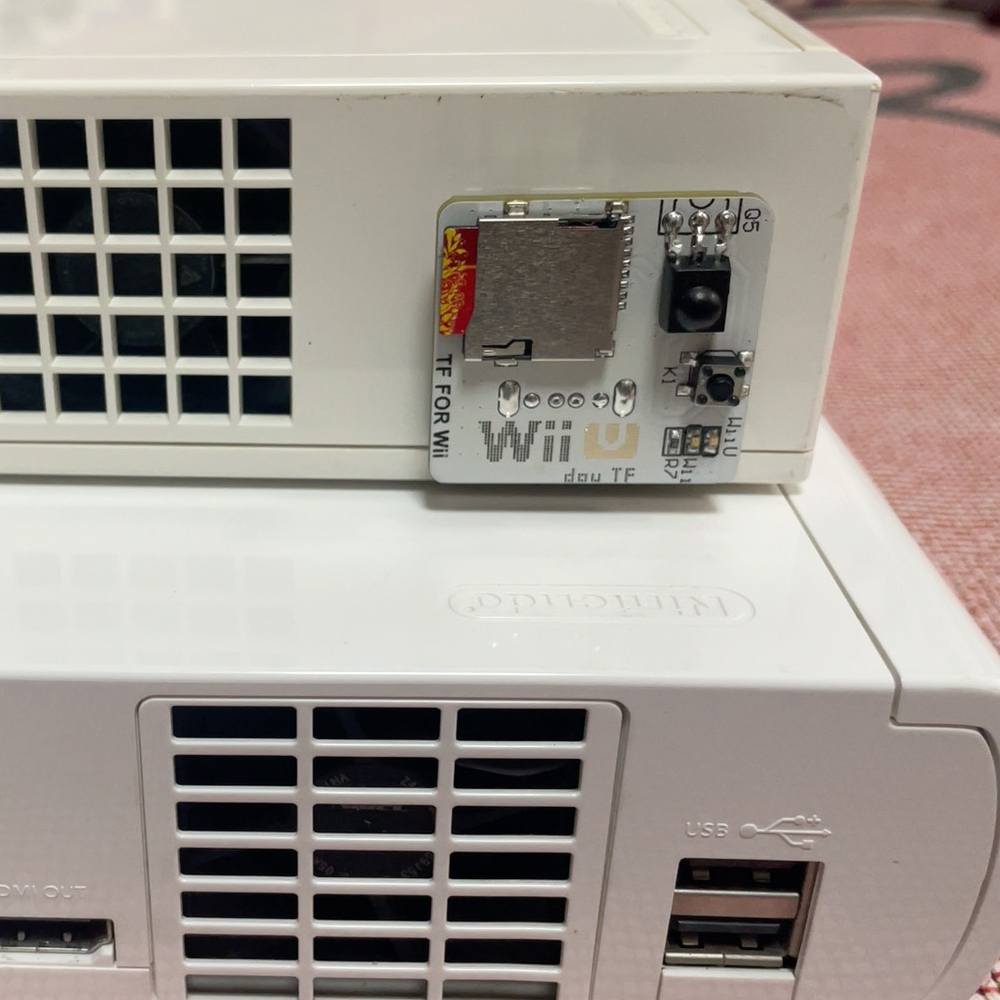
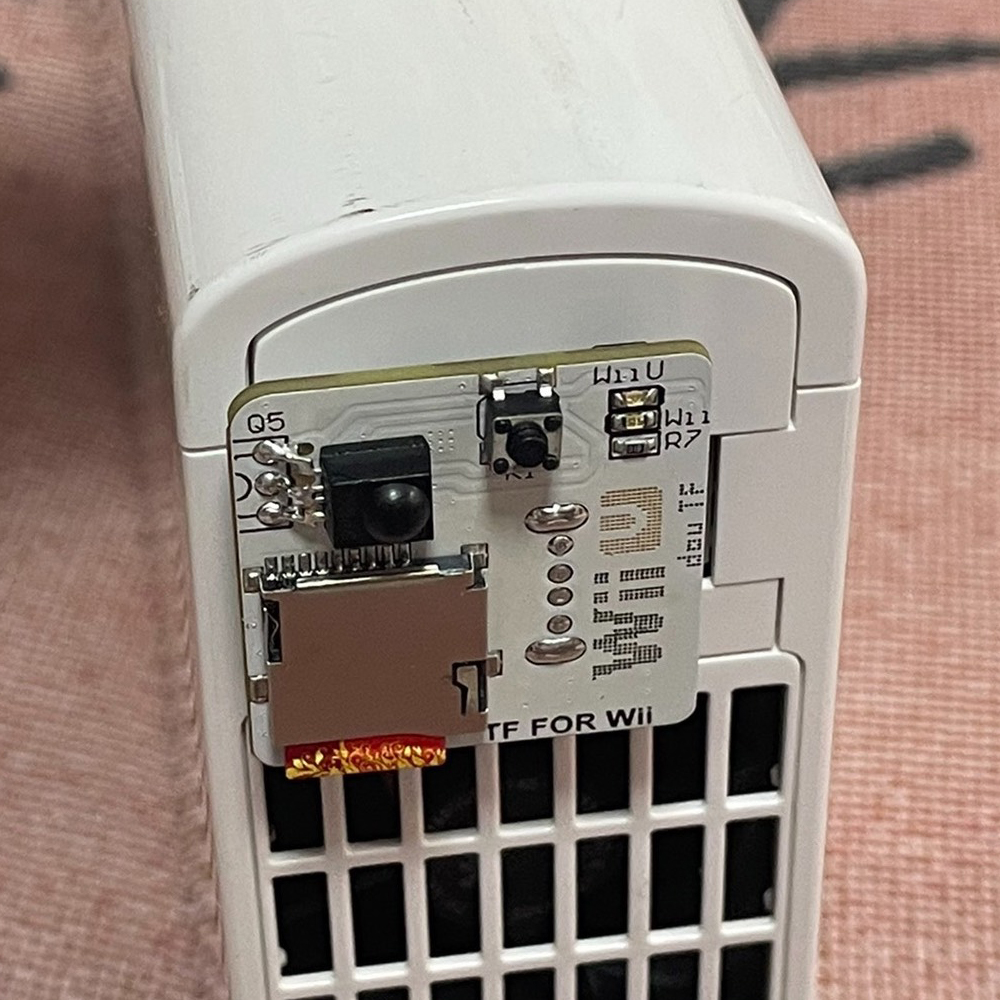
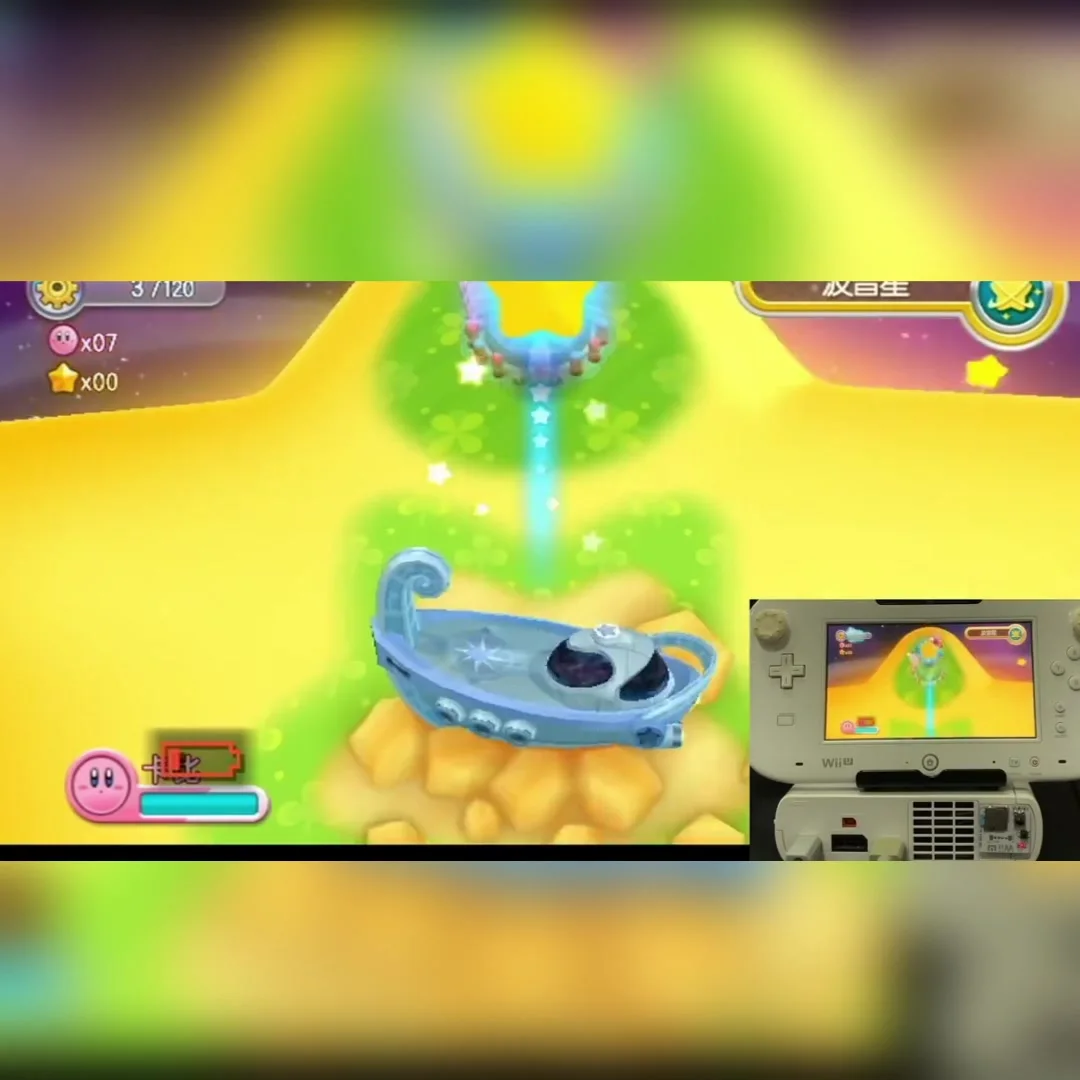
Therefore, when you plug this adapter into the console’s USB port, it expands the console’s storage capacity, allowing you to load files and games stored on an SD card. Compared to portable hard drives, it is clearly more convenient and compact.
Your console has been hacked. This adapter supports a maximum capacity of 2TB.
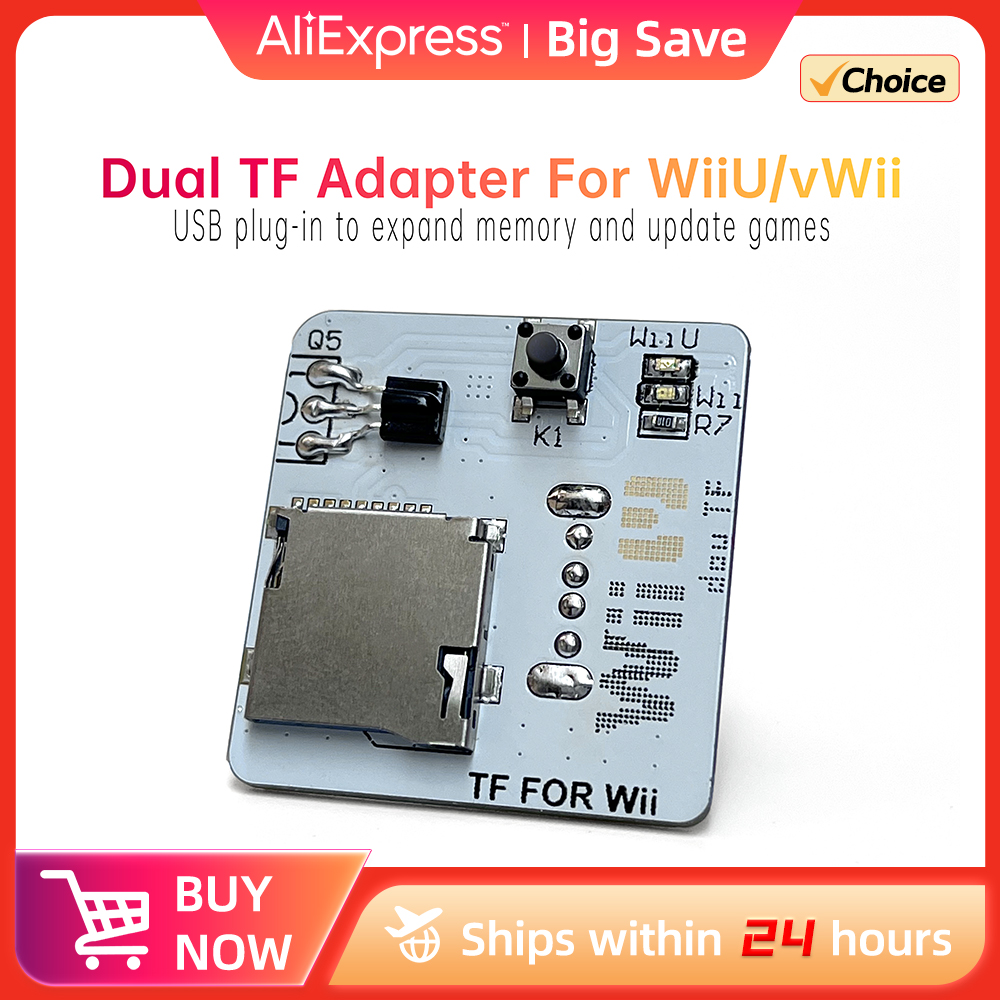
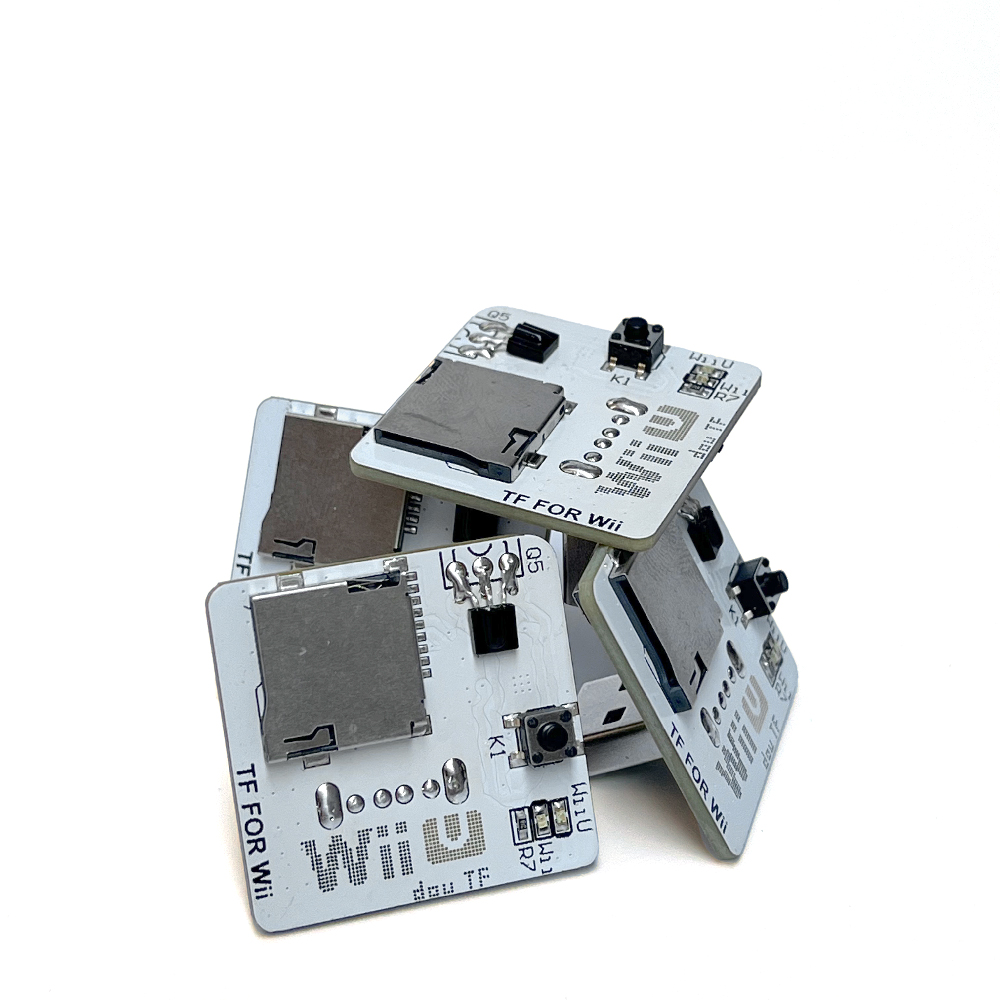
Dual TF Adapter For vWii / WiiU
Firstly, insert the SD card for WiiU into the card Reader and plug it into your computer.
This SD card is used to hold the WiiU cracker, plugins, game installers, and the USB-Loader cfg program file to be used in vWii mode.
This programme is used to load Wii and NGC games as well as game covers and, of course, gold fingers.
Next, you need to format the SD card. Format it to FAT32.
If your SD card originally has a cracking programme, you can format it without repeating the formatting.

Copy the files you use for WiiU into your SD card.
For example, Tiramisu, Aroma, vWii cracks, plugins, and games you play.
Also, the game covers to be used by the USB-Loader cfg programme in vWii mode.
Eject the SD card reader when the copying is done.
Then, insert the SD card into the Wiiu game console.
Tip:
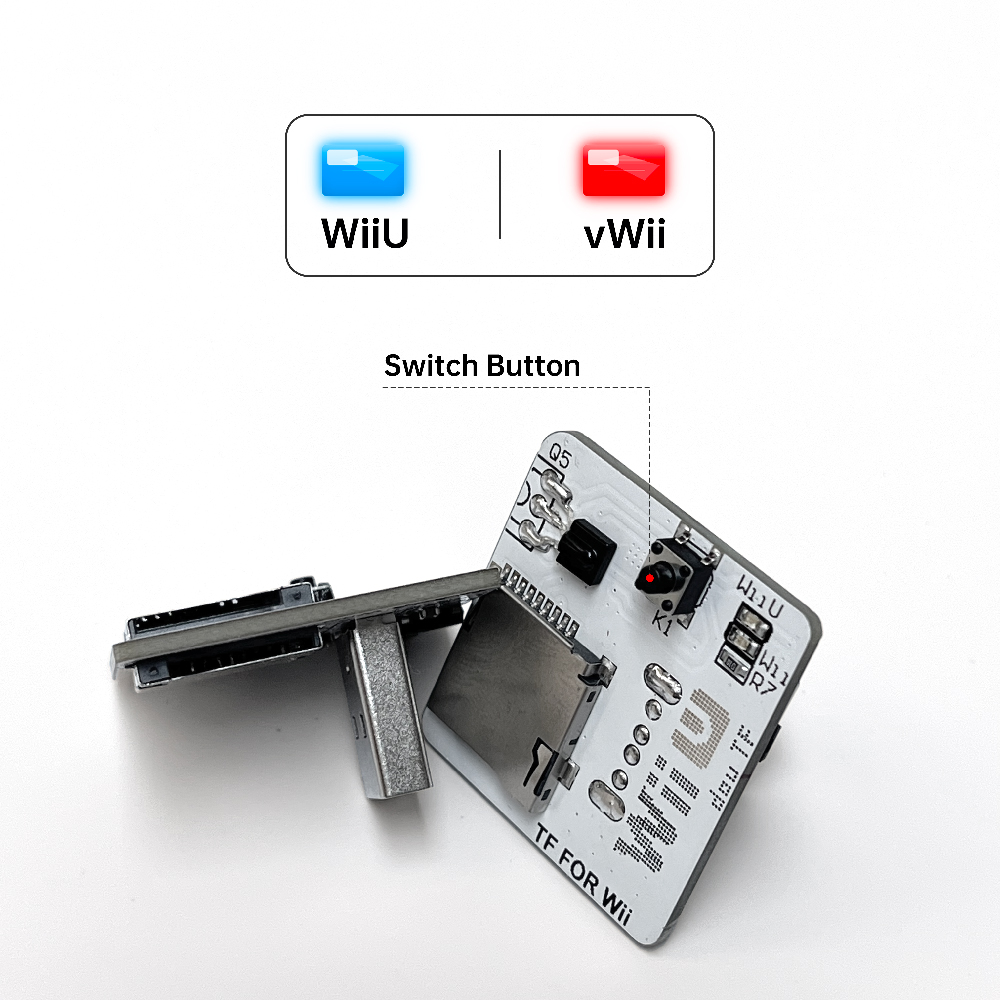
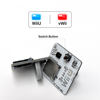
Regardless of whether it’s plugged into a computer or a WiiU, the LED indicator defaults to blue, which is the card used for the WiiU.
Press the black toggle button and the LED indicator will change to red, which is for the vWii card.
To make it simple, the blue LED is for WiiU and the red LED is for vWii, so be careful to tell the difference.

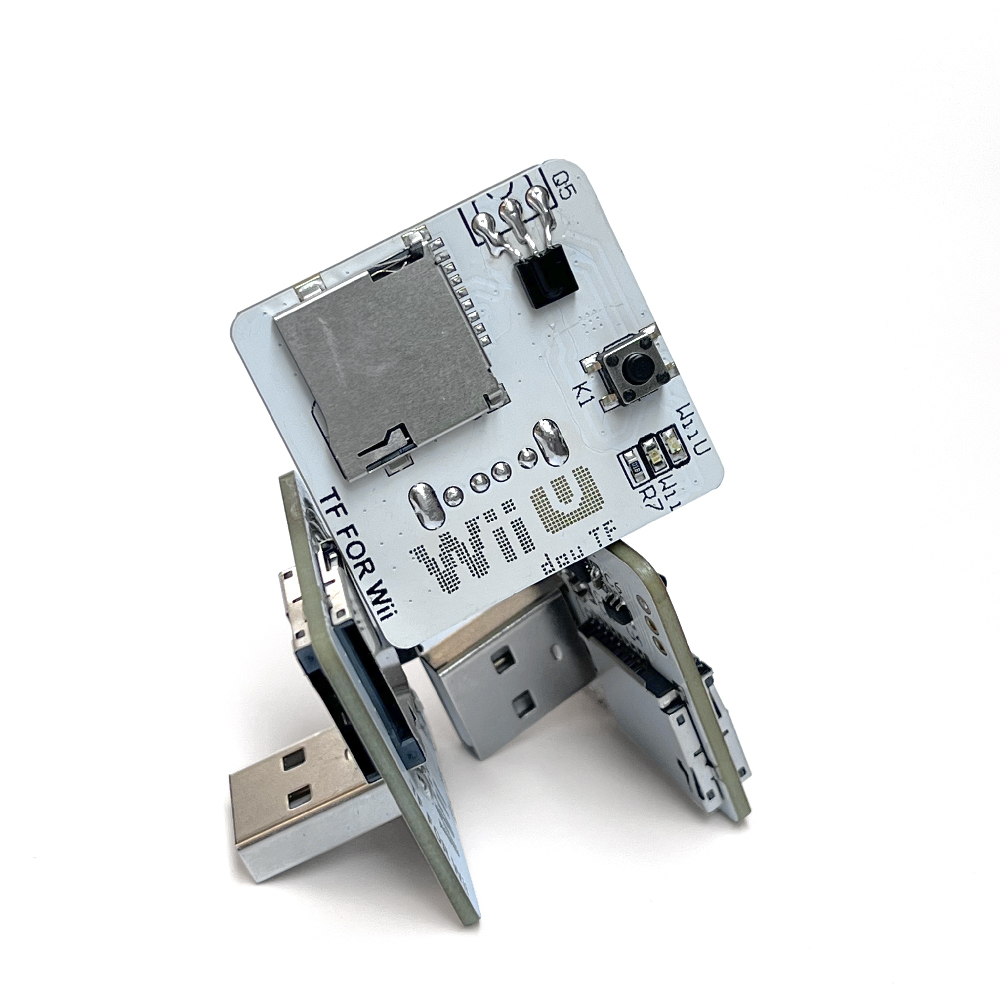
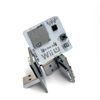
Plug the TF card into the Dual Card Adapter, which plugs in one side for WiiU and the other side for Wii, paying attention to the markings.
Then plug the adapter with the TF card inserted into the computer.
Then copy the files to the formatted TF card and put the game files in the wbfs folder.
The TF card used for vWii is formatted as FAT32, or NTFS format can be used, directly with the formatting tool of your computer system.

How to format large capacity TF card to FAT32 format?
You can use the software guiformat, or DiskGenius.
Difference between FAT32+NTFS combo and single FAT32.
FAT32+NTFS:FAT32 is used to store all homebrew programmes, NTFS is used to store games.
Why don’t I put my homebrew in NTFS too? Because NTFS can’t recognise homebrew, only FAT32 can.
FAT32: Homebrew and games are stored in one partition, so you don’t need to waste space on partition, and maximise the use of hard disk space, but games larger than 4G can’t be put into it, you can use Wii Backup Manager to split it and put it into the FAT32 card.

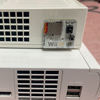
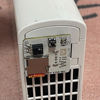
With all of this done, you can unplug the adapter and plug it into the USB port on the back of your Wiiu console!
The LED is blue, which means it’s now a card used for the Wiiu.
Cards that haven’t been formatted on the WiiU are prompted to format once, and if it doesn’t prompt to format, you can click on Settings and then manually format it yourself.
Formatting is complete, click Confirm and the system will refresh and automatically recognise the initialised card.
After initialisation, you can check it again to see if it has been successfully initialised.