

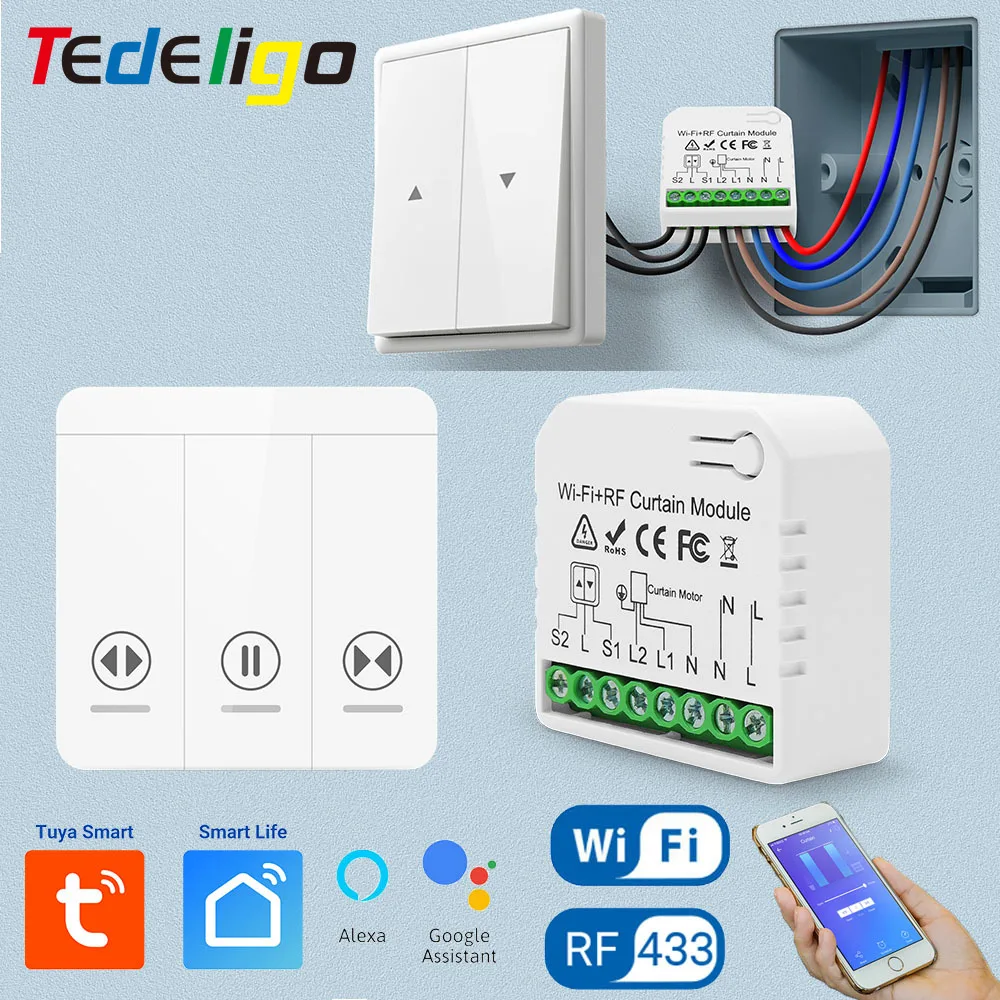
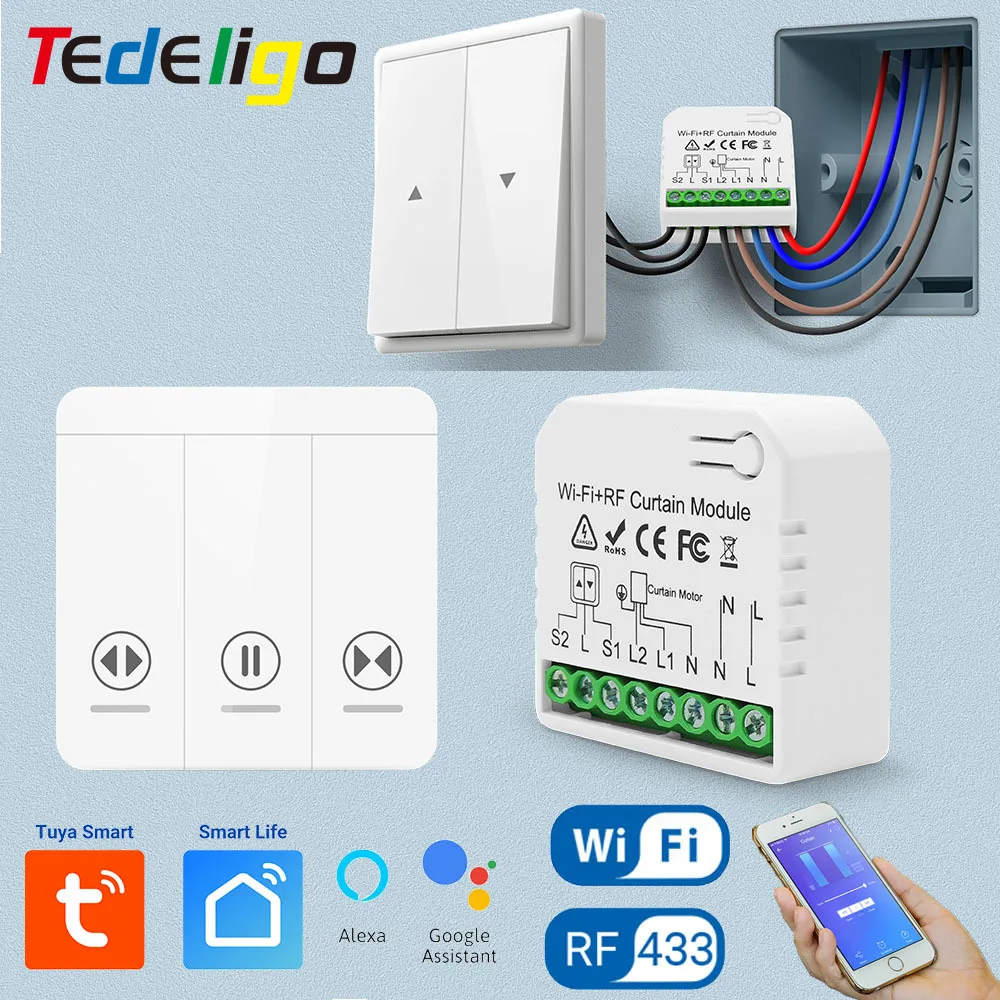
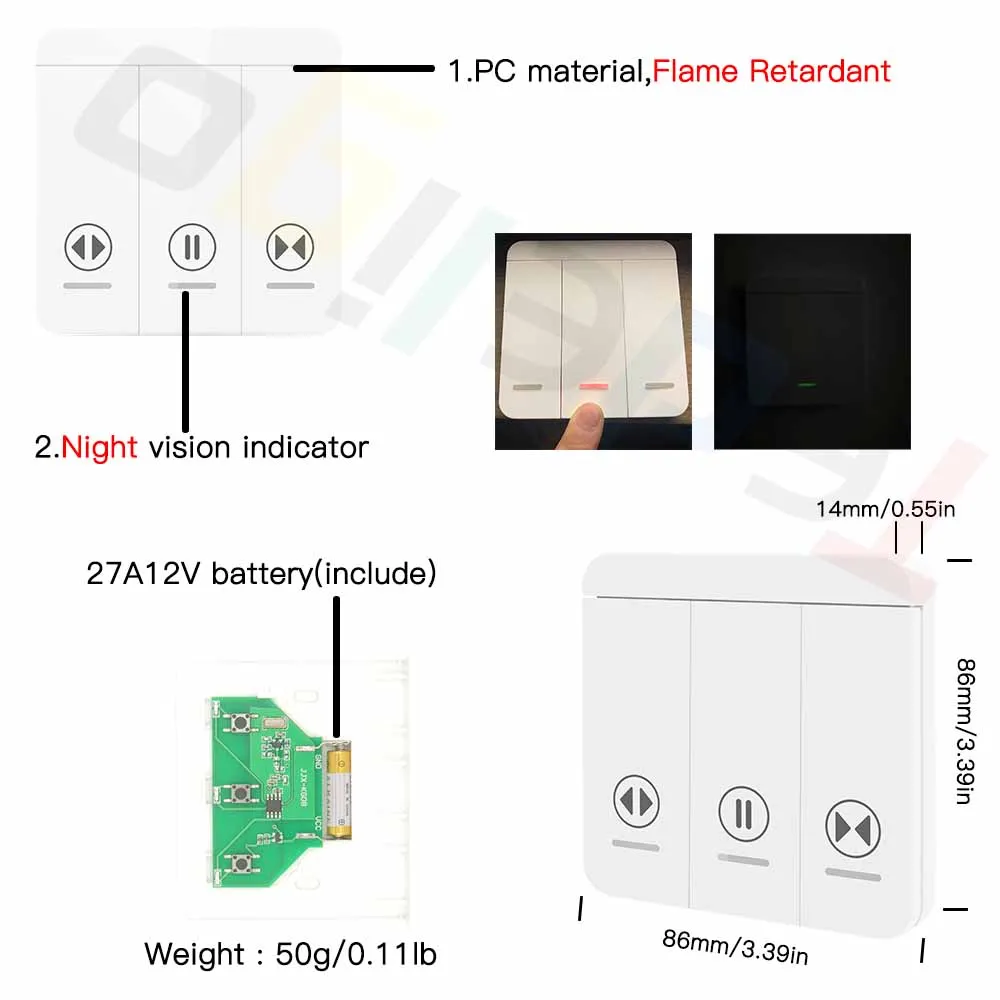
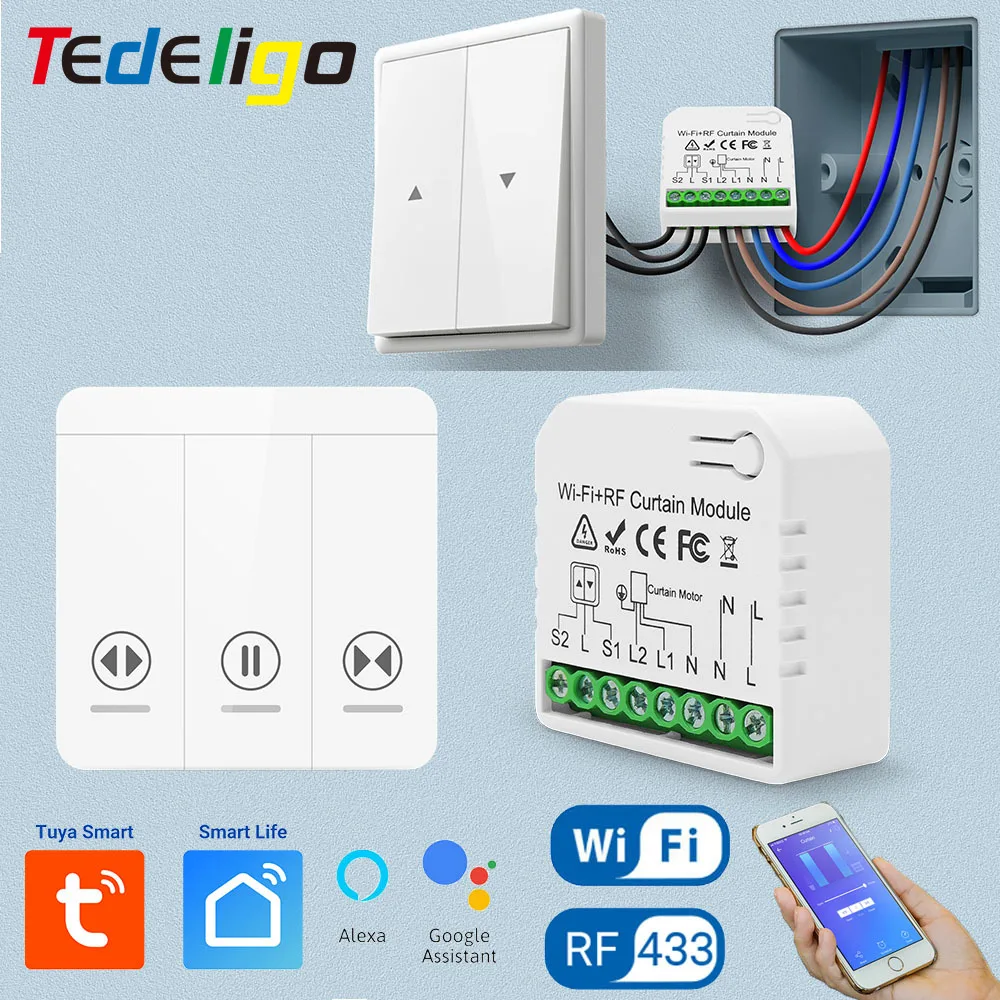
2.We also have this new type RF wireless wall switch. The code inside has been customed special to satisfy this curtain switch. So this wall switch can not work with other switchs in our store
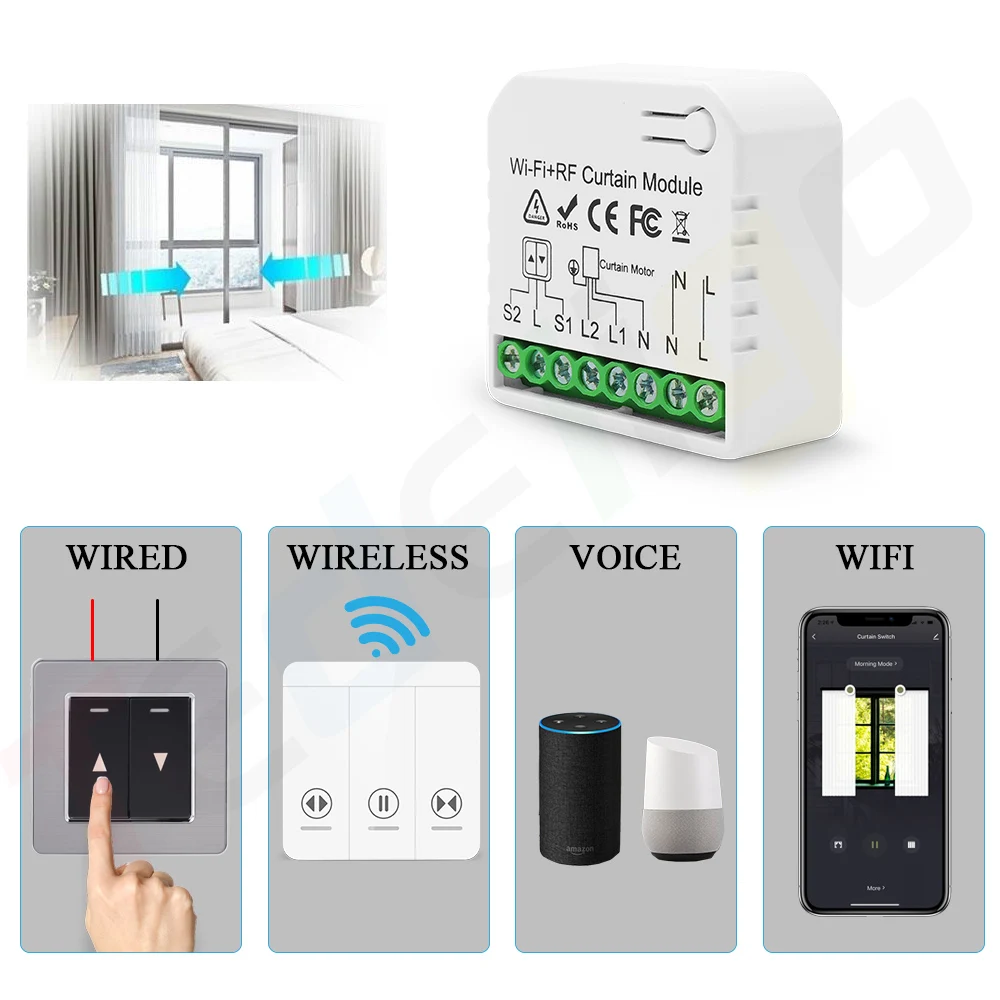
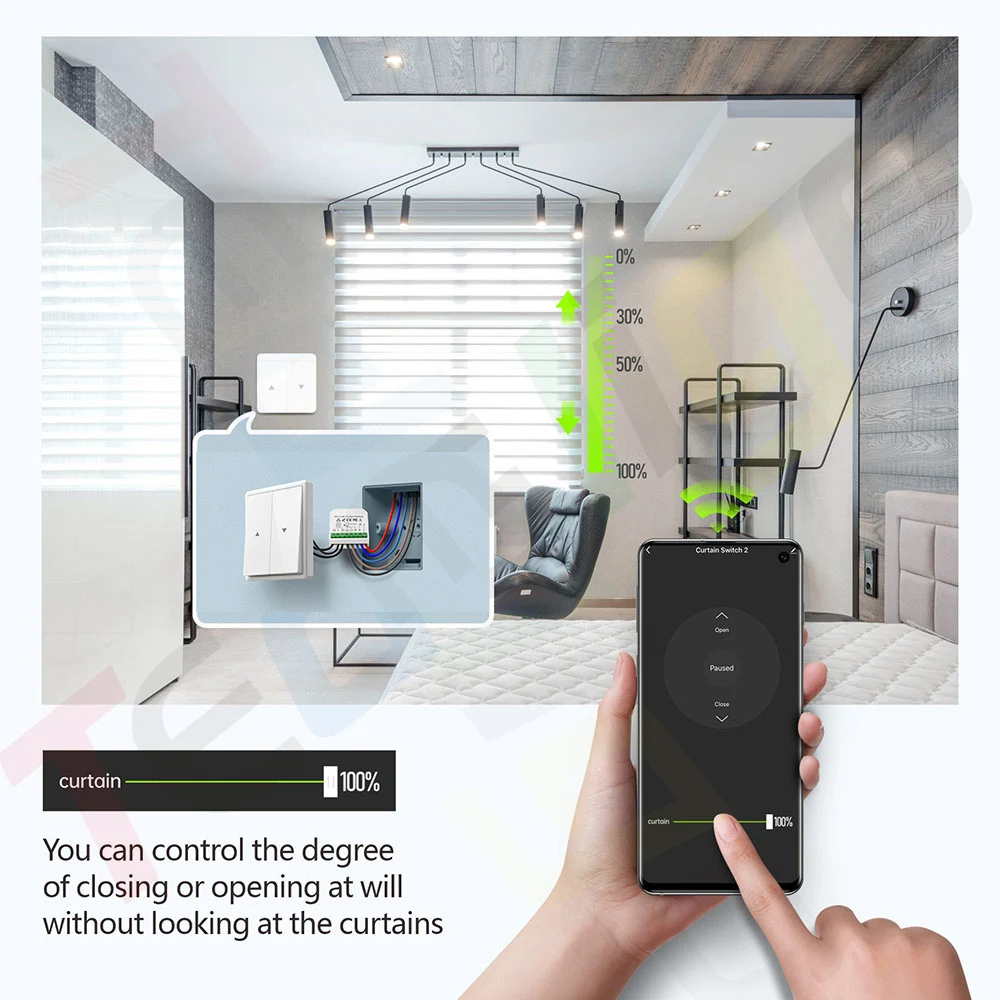
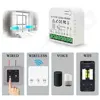
3.We also maintain some merits such as four countrol methods(RF + WIFI + Wired +Voice), and learning button outside the shell,which makes it is easy to pair with RF remotes


Products can used indoor, home ,office,market, factory,etc

1.Traditional wall switch wired control
2.Rf wireless remote control(open,pause,close)
3.WiFi app control
4.Voice control

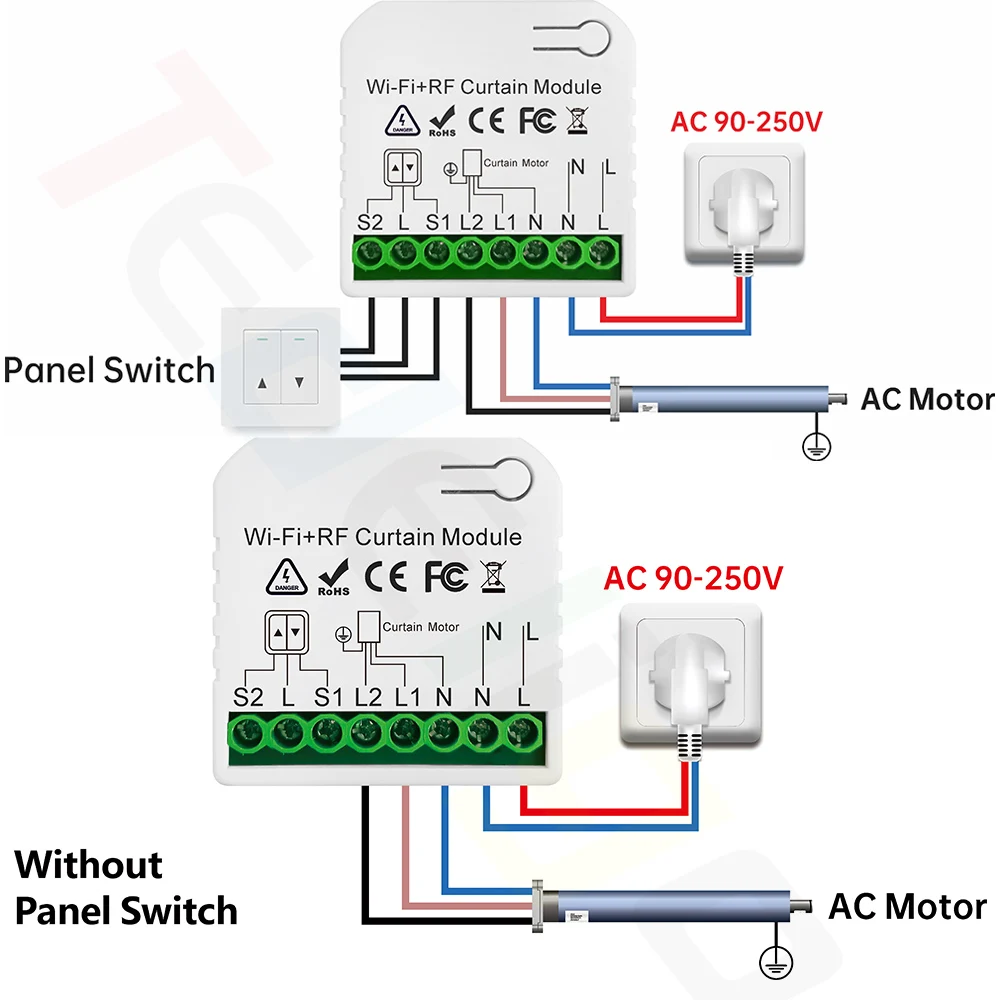
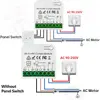
Please follow our product manual to connect with your traditional wall switch,then you can control it by pressing buttons

Rf remote has base,youcan stick on the wall
Rf signal can support about 50m range in open space.It can pass through walls
After you connected with power and device,you need to pair with remote first.You can find how to pair below

You need to download Tuya/Smart life app first
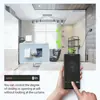
You can set up schedules on your phone, open and close curtains automatically
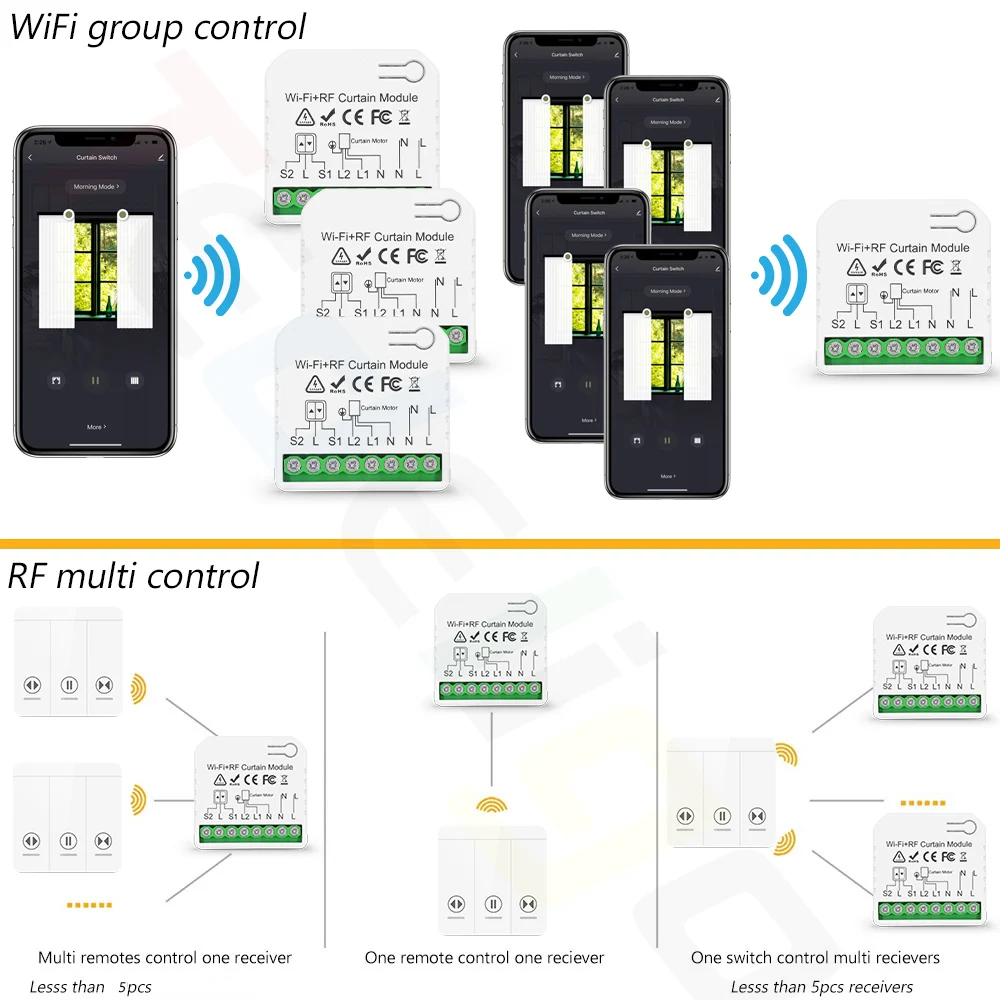
you can share with your family numbers to use many phones control many modules

Hands-free voice control.This module compatible with alexa,make your life smarter

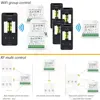
For wifi cotnrol: you can share this device to your home family numbers to achieve multi control
For rf control: one module can be controlled by almost 3 pcs wall switches.You need to pair them one by one

Module parameter
Input Voltage: AC 100V~240V
Size:45*45*20 mm
RF Frequency: 433MHz
WIFI: IEEE 802.11 b/g/n
Max current: 16Amp
Receiving Sensitivity: >97dbm
Color: White (Outside Shell)
Rf Remote parameter
RF frequency : 433MHz
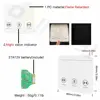
Size:86*86 mm
Support encoding : 1527 Leaning code
Remote distance : up to 30 meters (theoretical distance)
Battery : 1*27A12V (Battery included )

How to work in RF way
1:Press and hold the learning button until the Led light flashes once;
2:Press UP remote button 1 time,Succeed.
How to clean RF data
Press learning button 8 times
How to work in WiFi
1: Search “Smart Life or Tuya Smart” on APP store, Google Play or scan the QR code on user manual to download and install it.
2: Press the button on switch until the indicator light flash. You can also hear a voice too.
3: Open “Smart Life or Tuya Smart App”, discovery and add device in the app, and then finish configuration according to the guide.
How to get the Alexa signal
1. Modify device name so your Amazon Alexa can easily recognize the name. For Example: Living Room Lamp, Bedroom Light.
2. Use Alexa App or Computer to set up your Amazon Alexa.
3. Select ‘Skills’ and search for ‘Smart Life’ on Menu. Enable Skill and type in your login info to link the account
4. Ask Alexa to discover devices. Then you can control your devices by voice.
Questions and Answers
1.Can one module be controlled by multi wall switches ?
Yes.Of course.One receiver can be controlled by almost 3 pcs remotes
2.Can i use my own remote to control this module? The frequency are same
Sorry,sir.The remote and module are custom.Please donot use them individually.Also, they cannot work with other brand products
3.Do you have a whole sales price?
Yes,please contact with us.We will give you the best price.
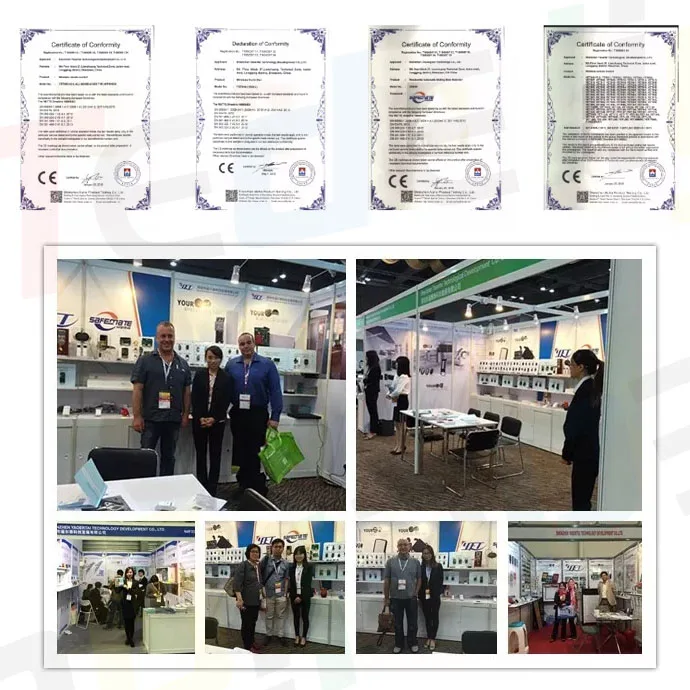
The products are all producted by our own factory , Our factory can support OEM and ODM, welcome to consult.







Product fully functional.quickly install